

Make your AI show its work.
Diagrams that explain, one step at a time. Describe a system, a process or a decision, or ask your coding agent or AI chat to. Yantra lays it out, checks it and turns it into a walkthrough anyone can follow.
npx @niyankhadka/yantra initWorks with
- Claude Code & Claude.ai
- Codex & ChatGPT
- Cursor
- Gemini
- Antigravity
- Any MCP client
- Python
The problem
Explaining a system shouldn't take all afternoon
Whether you draw it yourself or ask an AI, the result is usually slow, stale or wrong. Yantra changes each of those.
Without Yantra: Hours of dragging boxes, and the diagram is out of date by Friday
With Yantra: A few lines of description; layout, routing and labels are automatic
Without Yantra: Ask an AI how something works and get a wall of text
With Yantra: Your agent answers with a diagram readers can step through
Without Yantra: AI diagrams where boxes overlap and arrows point at nothing
With Yantra: A validator catches it first, with codes the agent can fix
Without Yantra: A screenshot pasted into a doc that nobody can explore
With Yantra: One file with a walkthrough, an inspector and links to each step
How it works
Describe it. Yantra does the rest.
Four steps from a question to an explanation anyone can follow.
1. Describe it
{
  "meta": { "title": "Checkout" },
  "nodes": [
    { "id": "web", "data": { "title": "Web app" } },
    { "id": "api", "data": { "title": "Orders API" } },
    { "id": "db", "data": { "title": "Orders DB" } }
  ],
  "edges": [
    { "id": "e1", "source": "web", "target": "api", "label": "POST /orders" },
    { "id": "e2", "source": "api", "target": "db", "label": "INSERT" }
  ],
  "steps": [
    { "title": "Overview" },
    { "title": "Submit", "highlightNodes": ["web", "api"] }
  ]
}
2. Yantra checks it
$ yantra validate checkout.json
error ref/edge-unknown-target
Edge "api-db" target "dbx" is not a node.
✗ checkout.json: 1 error
$ yantra validate checkout.json
✓ checkout.json is valid
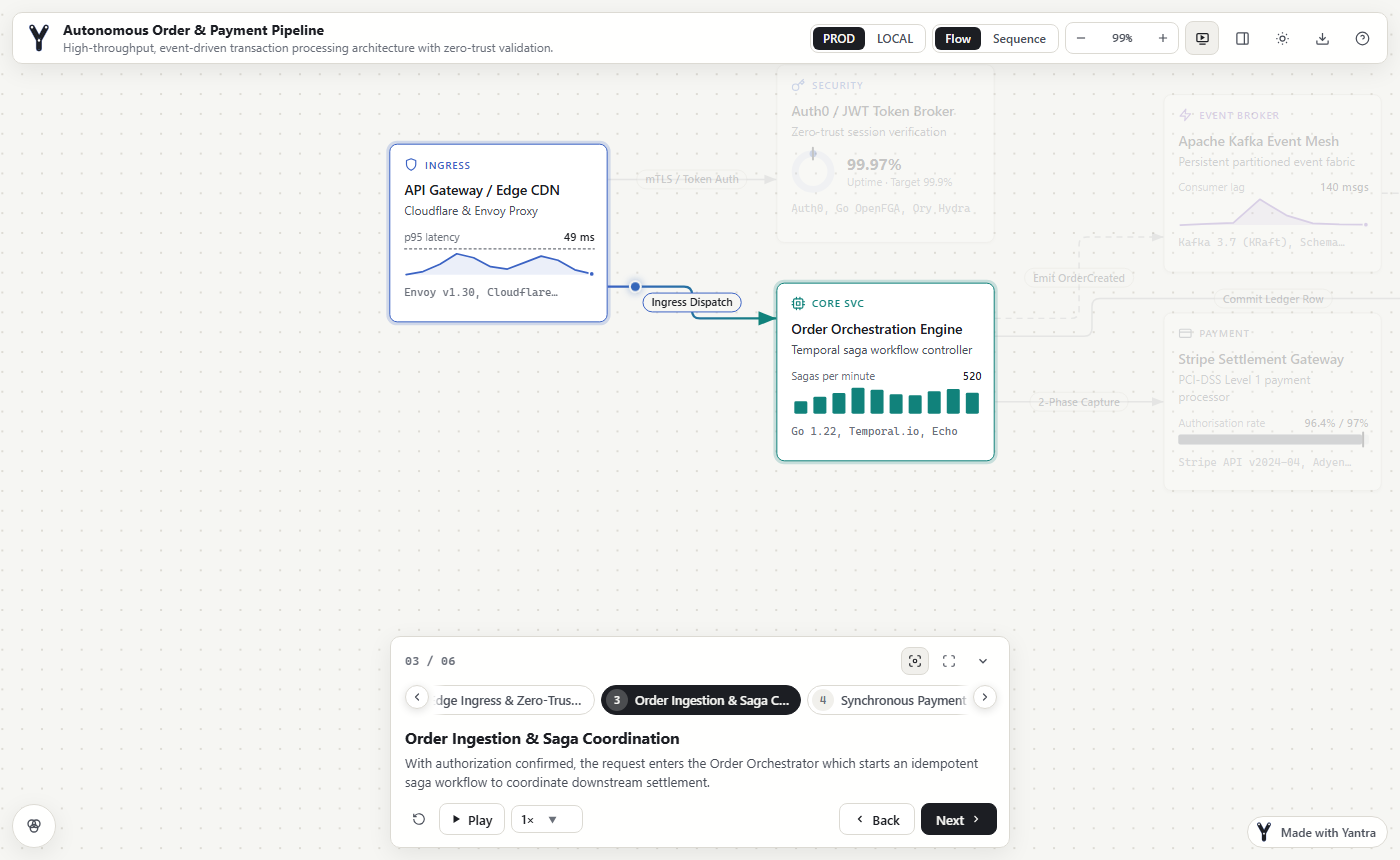
3. Readers step through it
Try it
Step through a real one
This is the actual file yantra build writes, running right here.
Use → and ← to step through, click a card to inspect it, V for the sequence view and ? for every shortcut.
Features
Everything an explanation needs
One format and one viewer for every kind of explanation, and the tools to write it with or without AI.
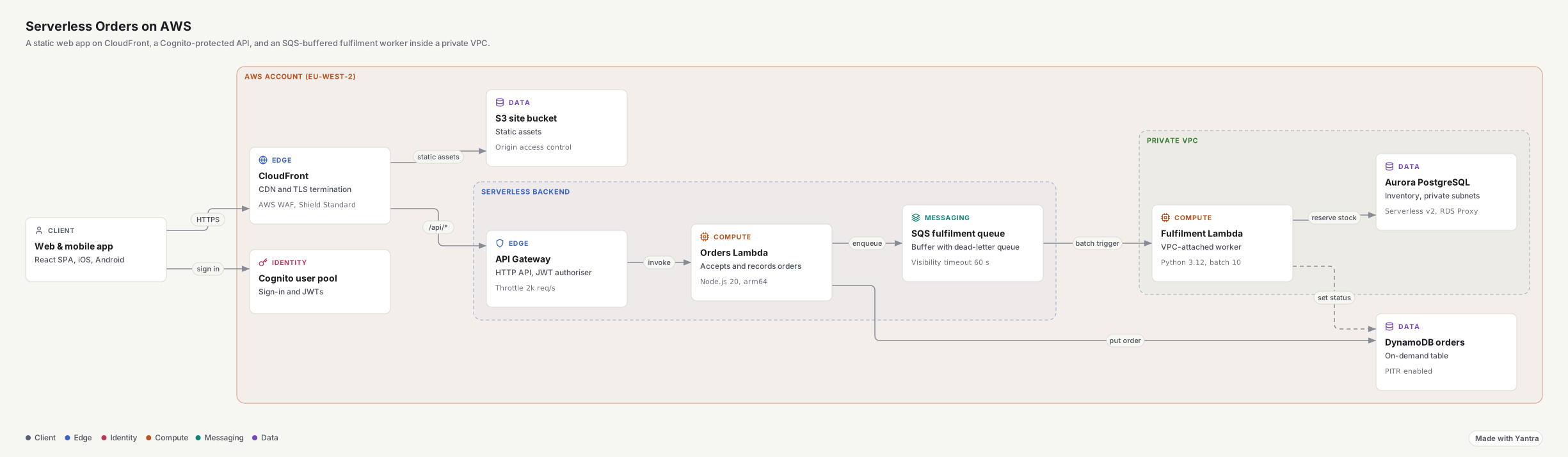
No boxes to place
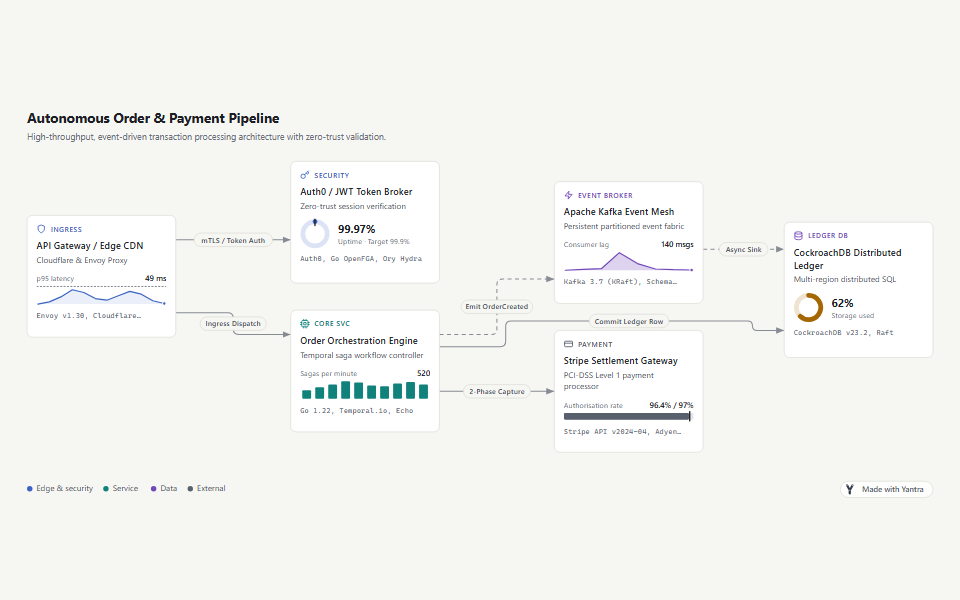
Layered layout with routed edges and placed labels, plus trees, mind maps and nested groups. There are no coordinates to write.
Checked before anyone sees it
The validator reports broken references, overlaps, edges through cards and label collisions, each with a stable code.
Walkthroughs
Steps that light up what matters, scenarios, autoplay, camera follow, present mode and drill-down into detail diagrams.
Every shape of answer
Architecture, sequence, state, ER, class, org chart and mind map diagrams, answer pages with charts, books and slides.
Built for AI
An MCP server, agent skills set up by
yantra init, and prompts for Claude.ai, ChatGPT and any chat.Bring your diagrams
Import Mermaid, PlantUML, draw.io and Visio files, then add the story.
Share it anywhere
One HTML file with no network requests, links that reopen a step, and SVG, PNG and Markdown exports.
For every reader
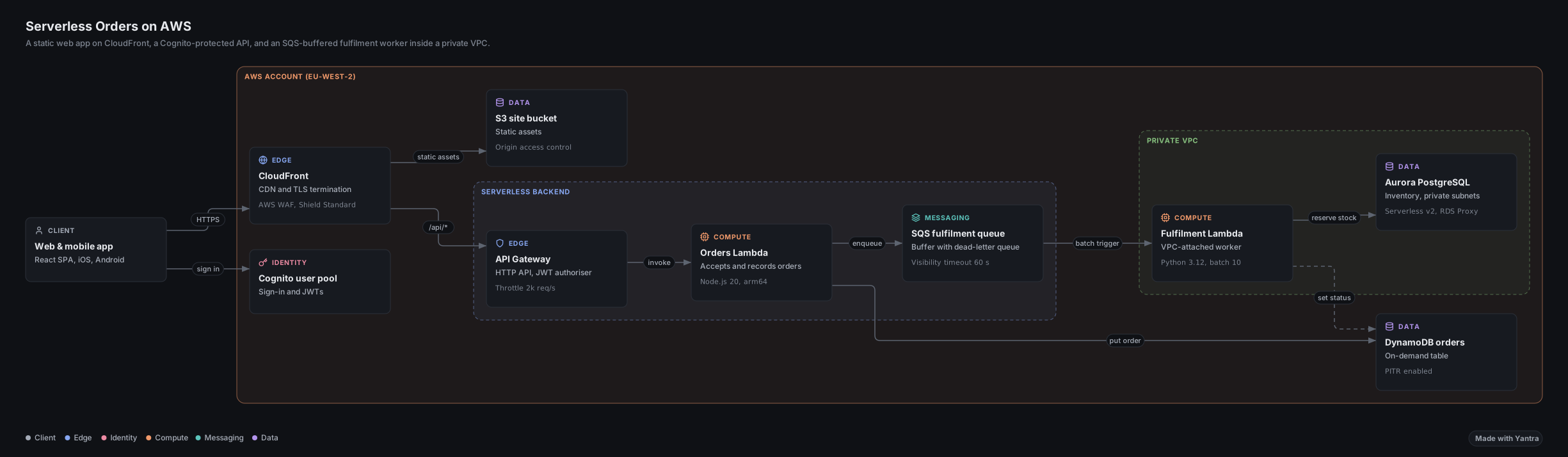
18 interface languages, right-to-left layouts, light and dark themes and full keyboard control.
Use cases
What people explain with Yantra
The same walkthrough works for a codebase, an incident, a decision or a lesson.
 DevelopersUnderstand a codebase"How does this work?", answered as a walkthrough instead of a wall of text.Diagrams from your codebase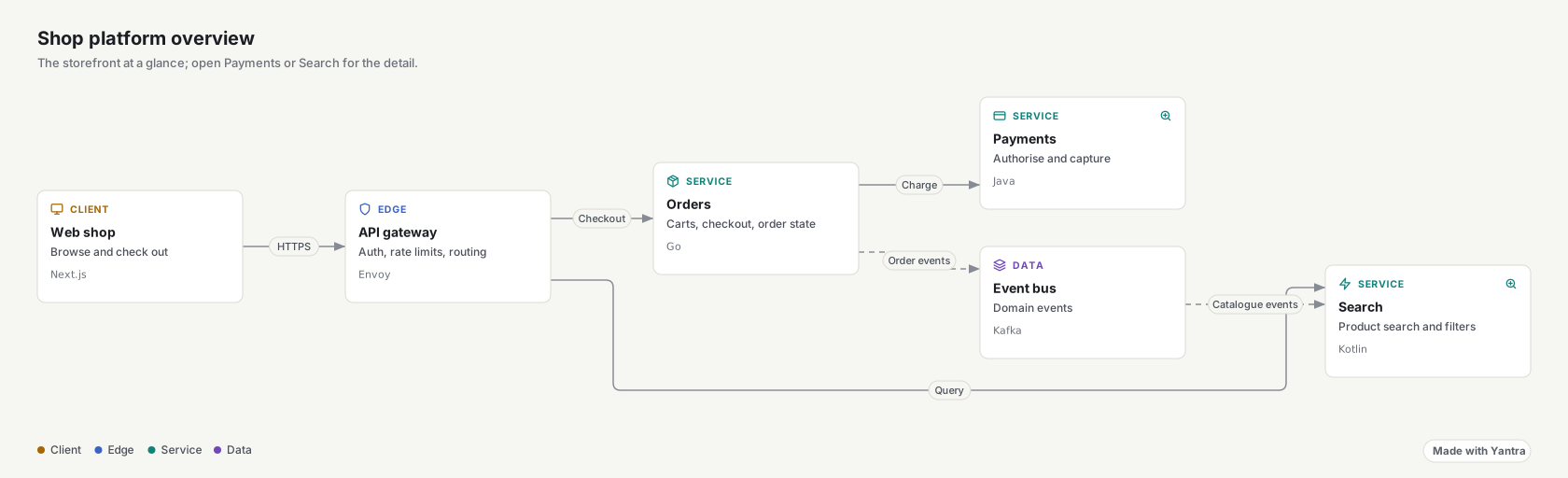
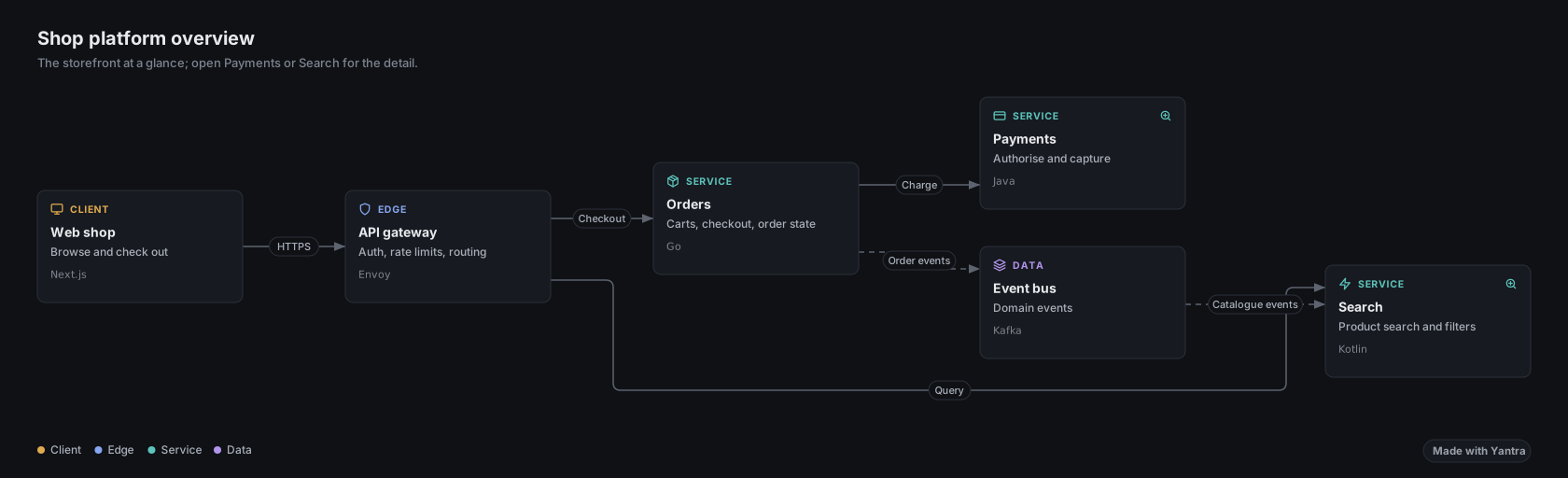 Tech leadsOnboard a new hireAn architecture overview they can step through on day one, with detail diagrams a click away.Open a platform overview
 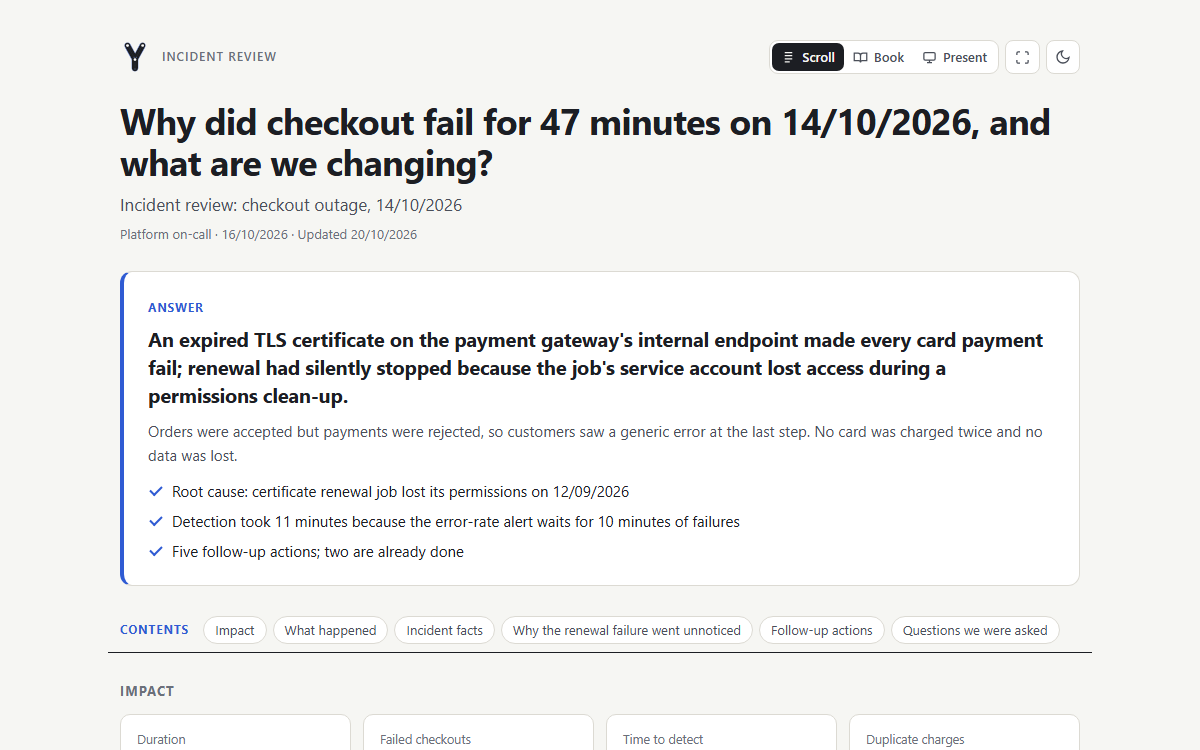 SRE and on-callReview an incidentThe timeline, the cause and the fix on one page anyone can read.Open an incident review
 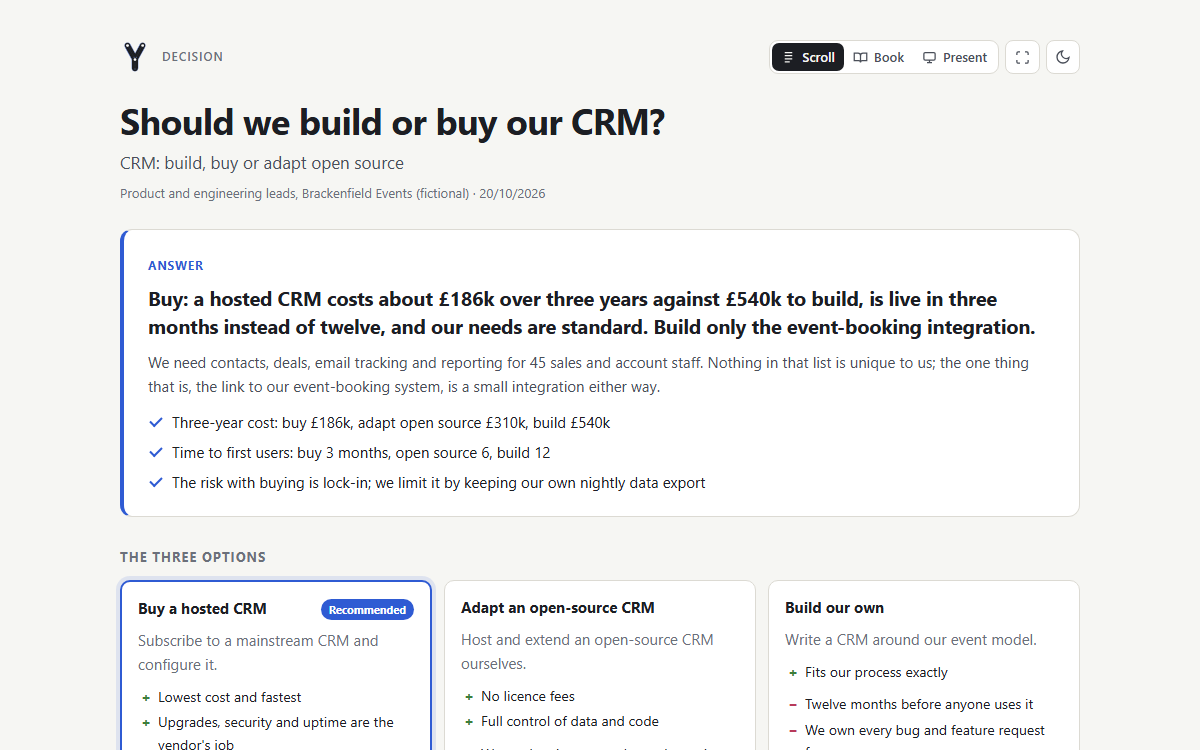 Product and operationsMake a decisionOptions compared side by side, with the recommendation first.Open a decision record
 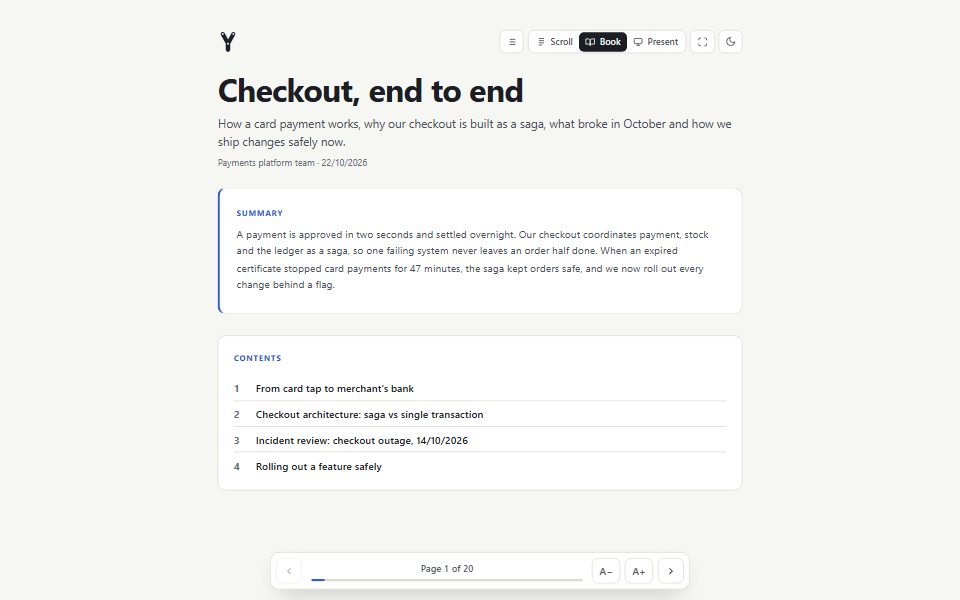 Teachers and writersTeach a lessonLessons and processes, one step or one chapter at a time.Open a book
 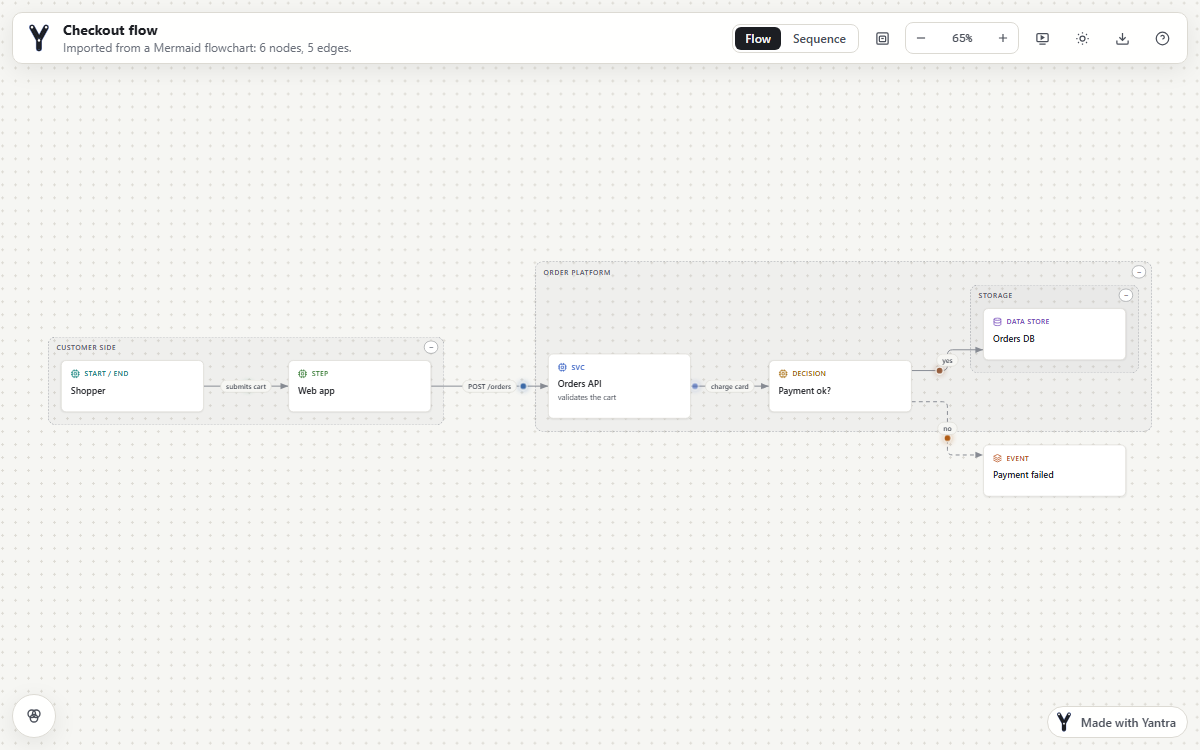 Teams on Mermaid or draw.ioUpgrade the diagrams you haveImport what you already have and turn it into a story.Import a diagram
Diagram kinds
One format, every kind of diagram
Every kind shares the same viewer: walkthroughs, an inspector, folding, light and dark themes, 18 interface languages and full keyboard control.
-
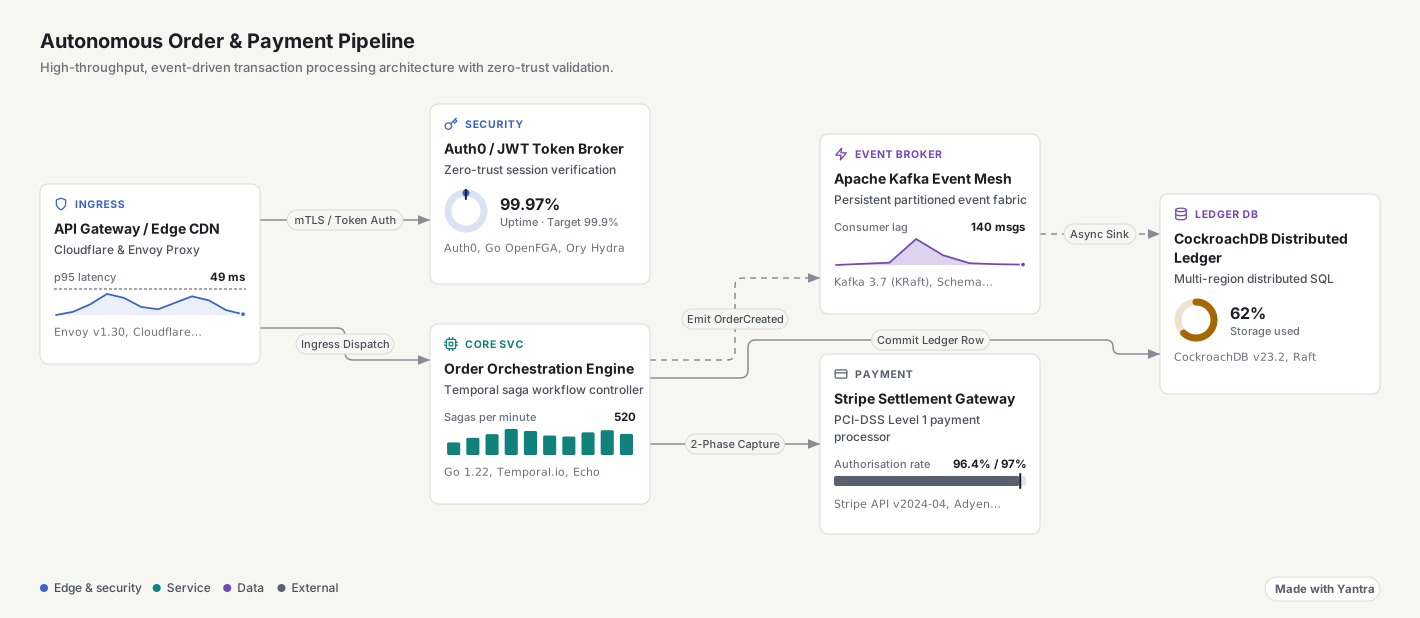
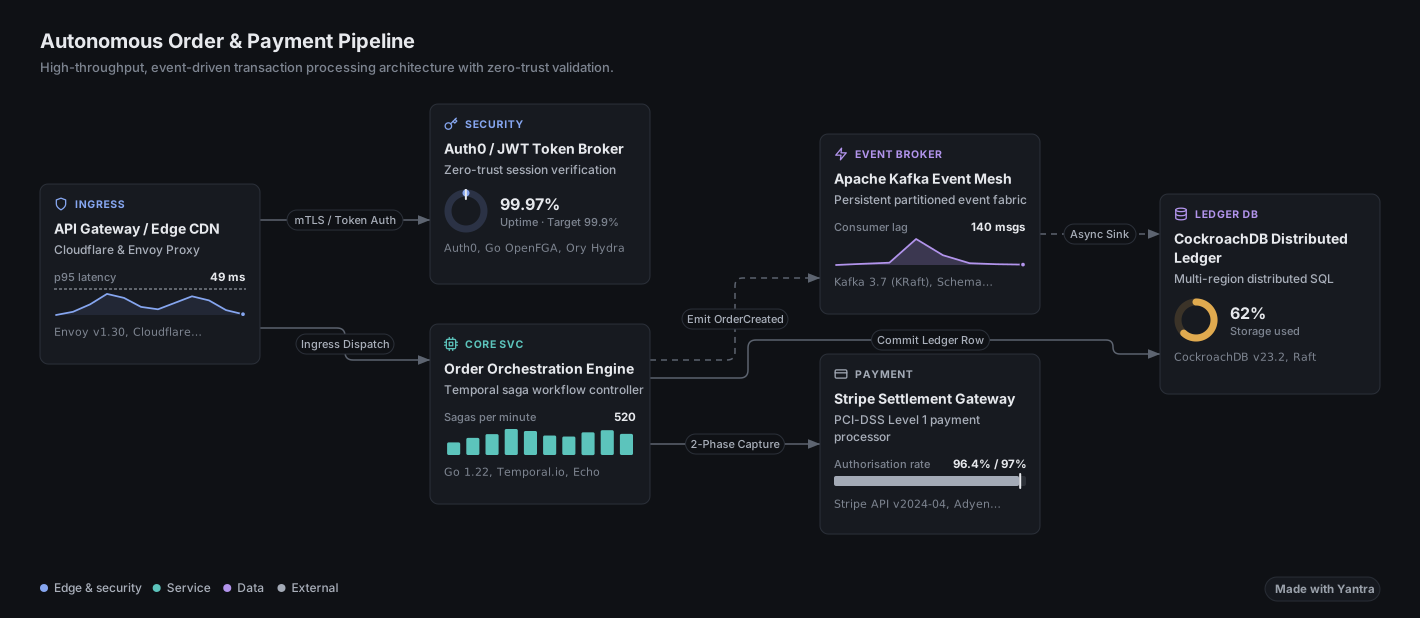 Flow and architectureLayered layout with routed edges and nested groups for VPCs, teams or phases.Open in the playground
-
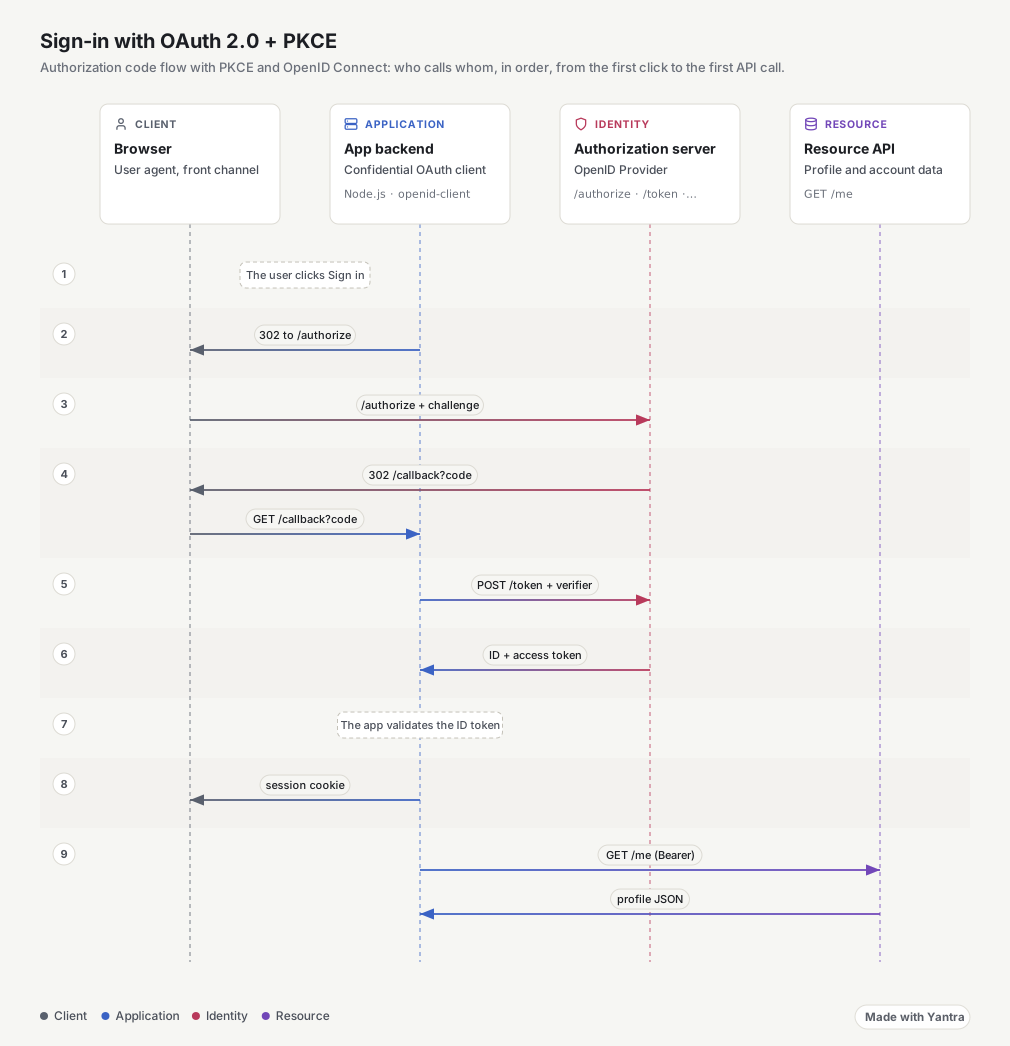
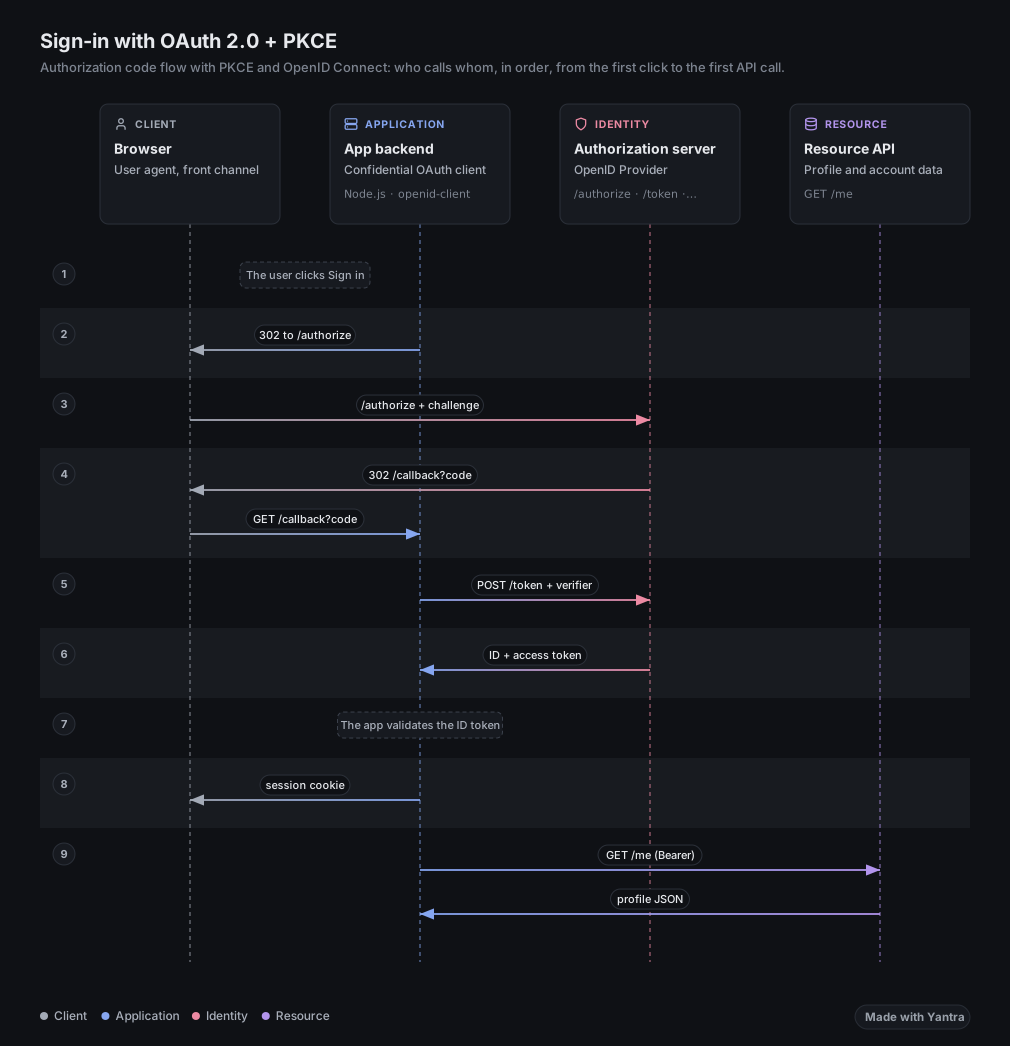 SequenceThe same payload as lifelines, one message per step: auth, payments, protocols.Open in the playground
-
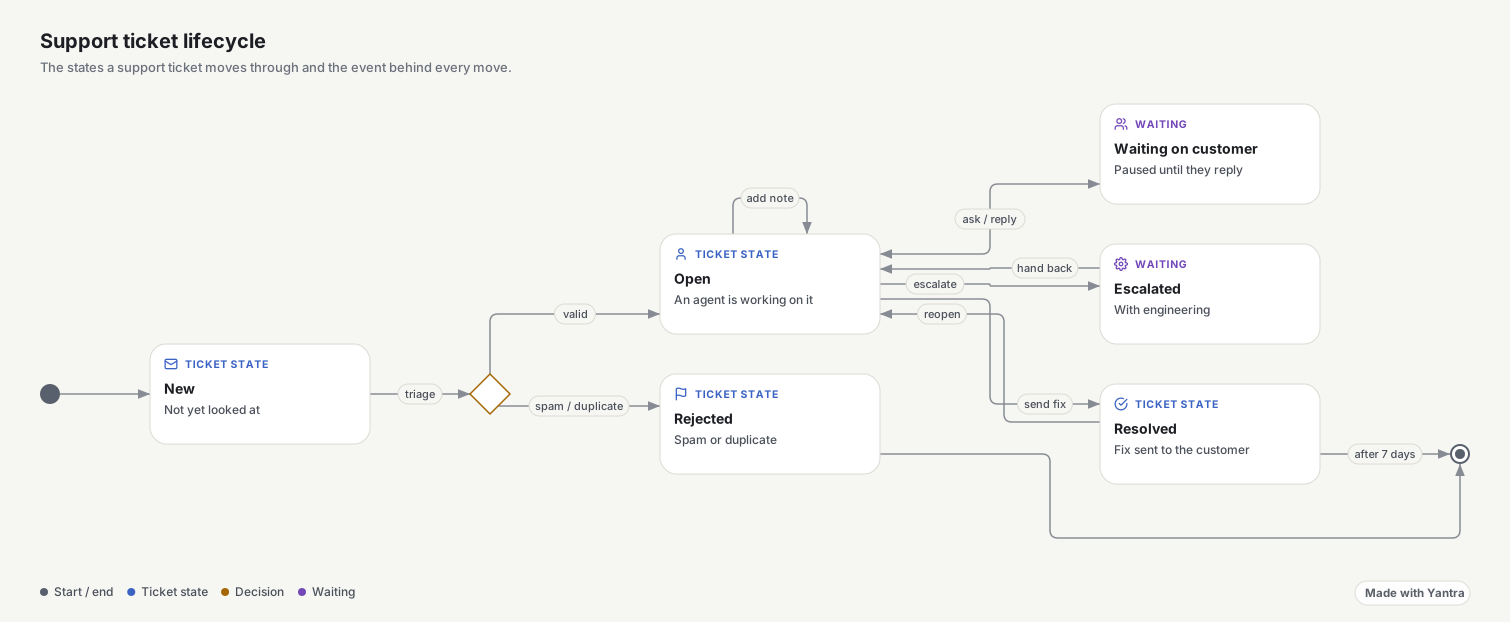
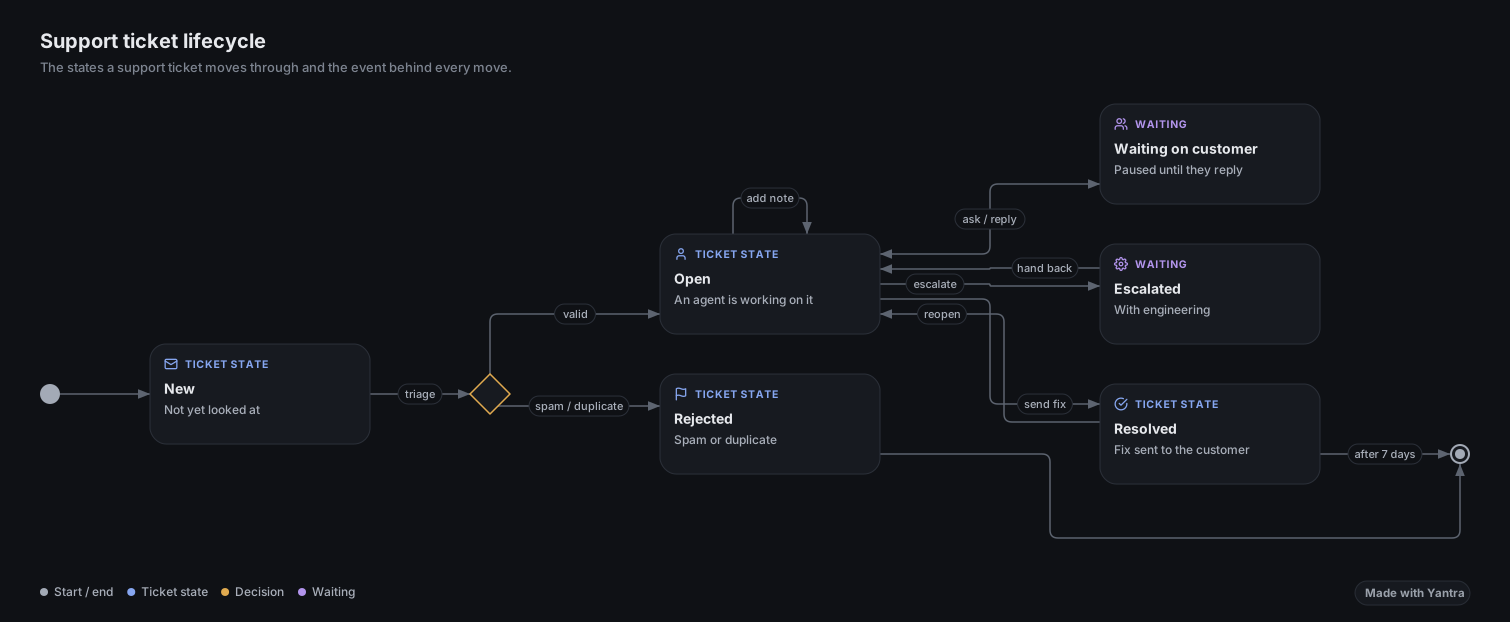 State machinesStates, initial and final markers, choices, fork and join, concurrent regions.Open in the playground
-
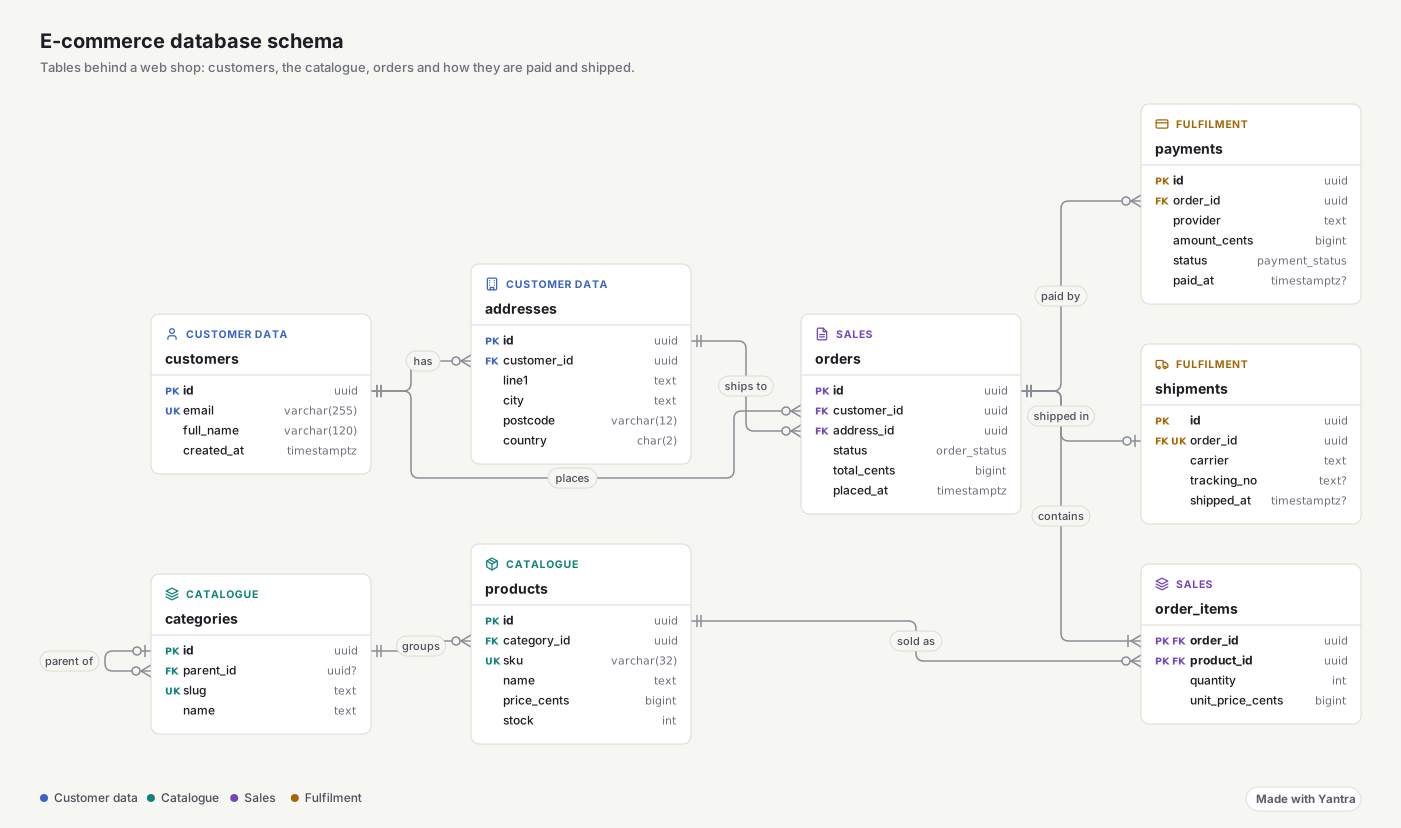
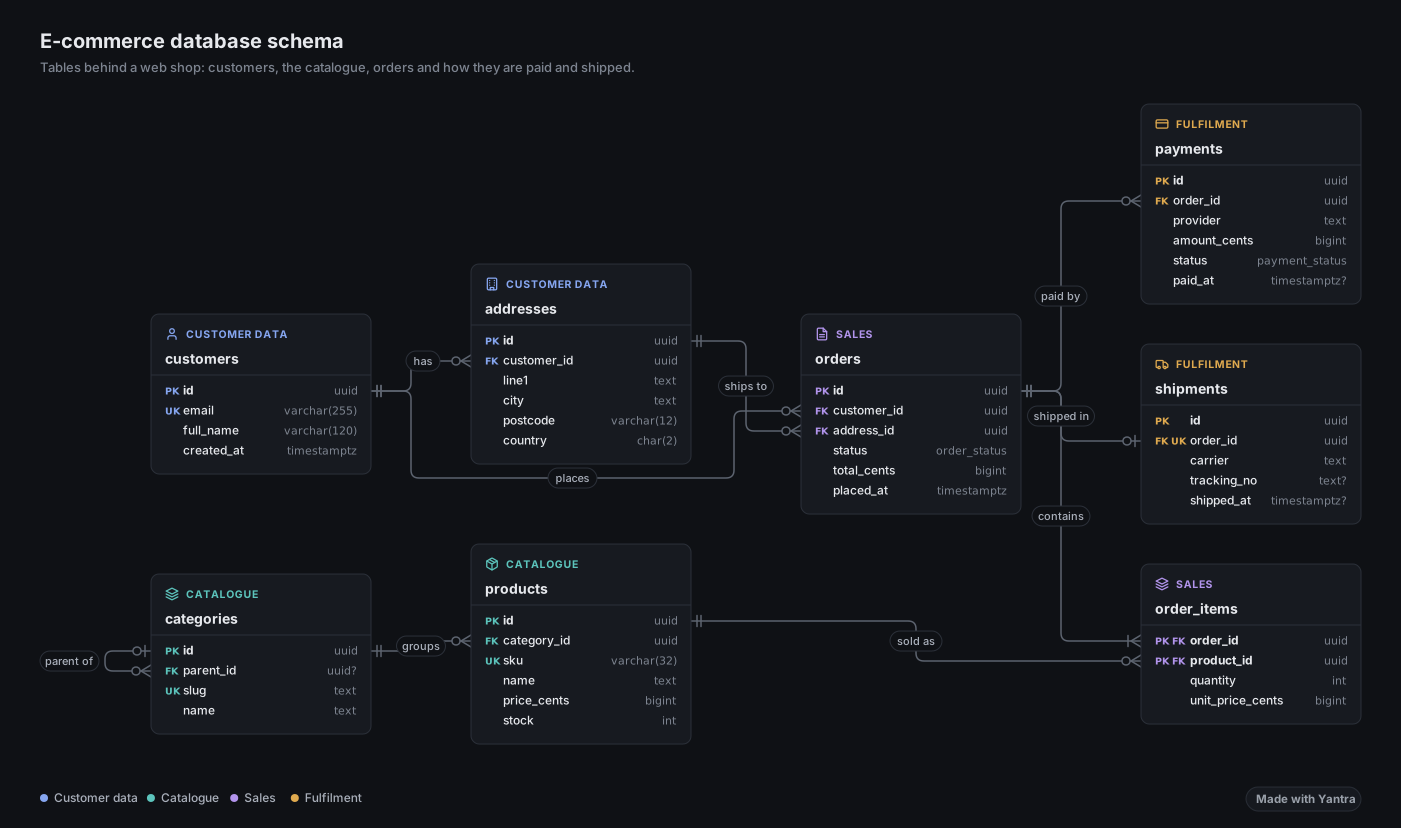 ERD and class diagramsFields and methods rows, crow’s foot cardinality and UML end markers.Open in the playground
-
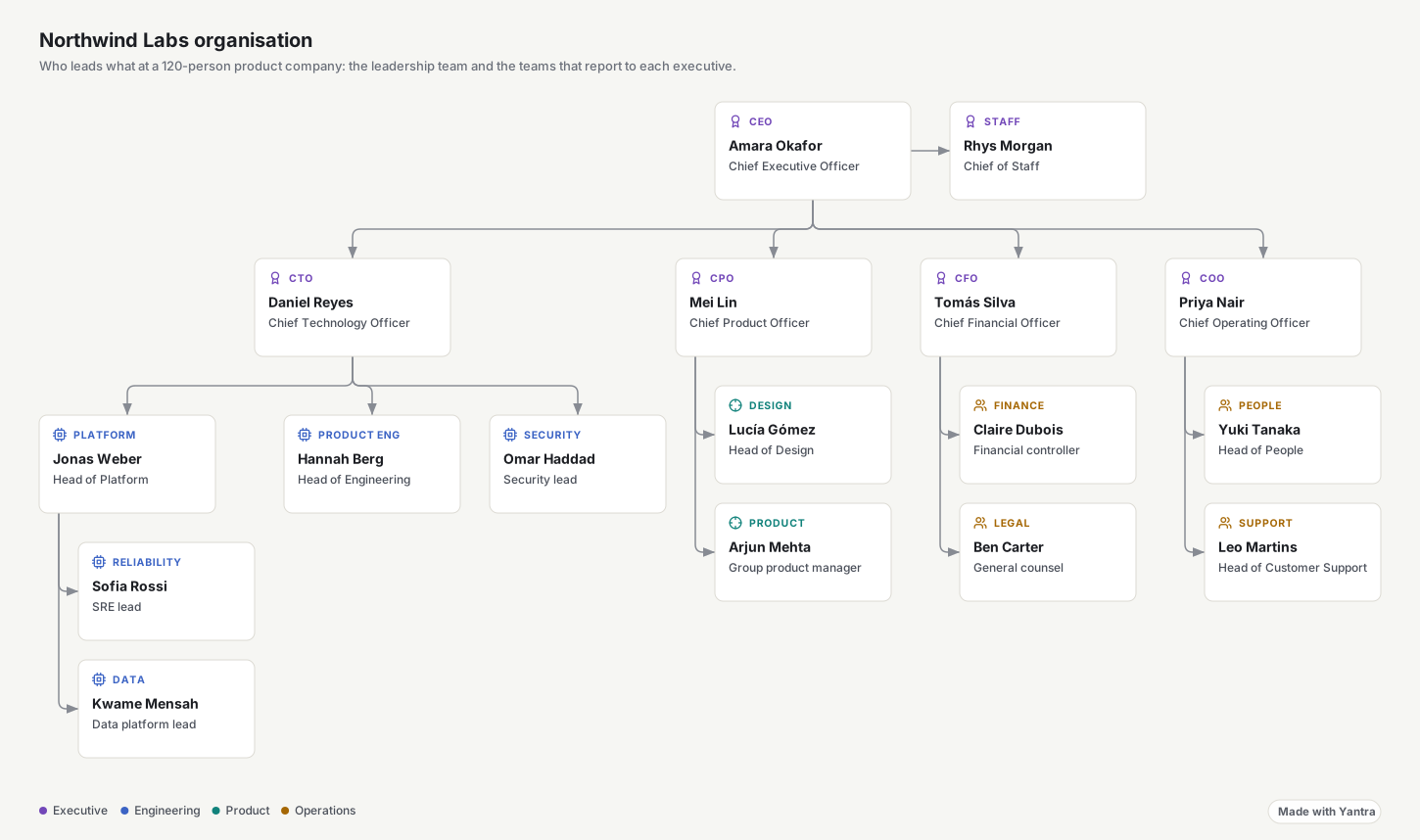
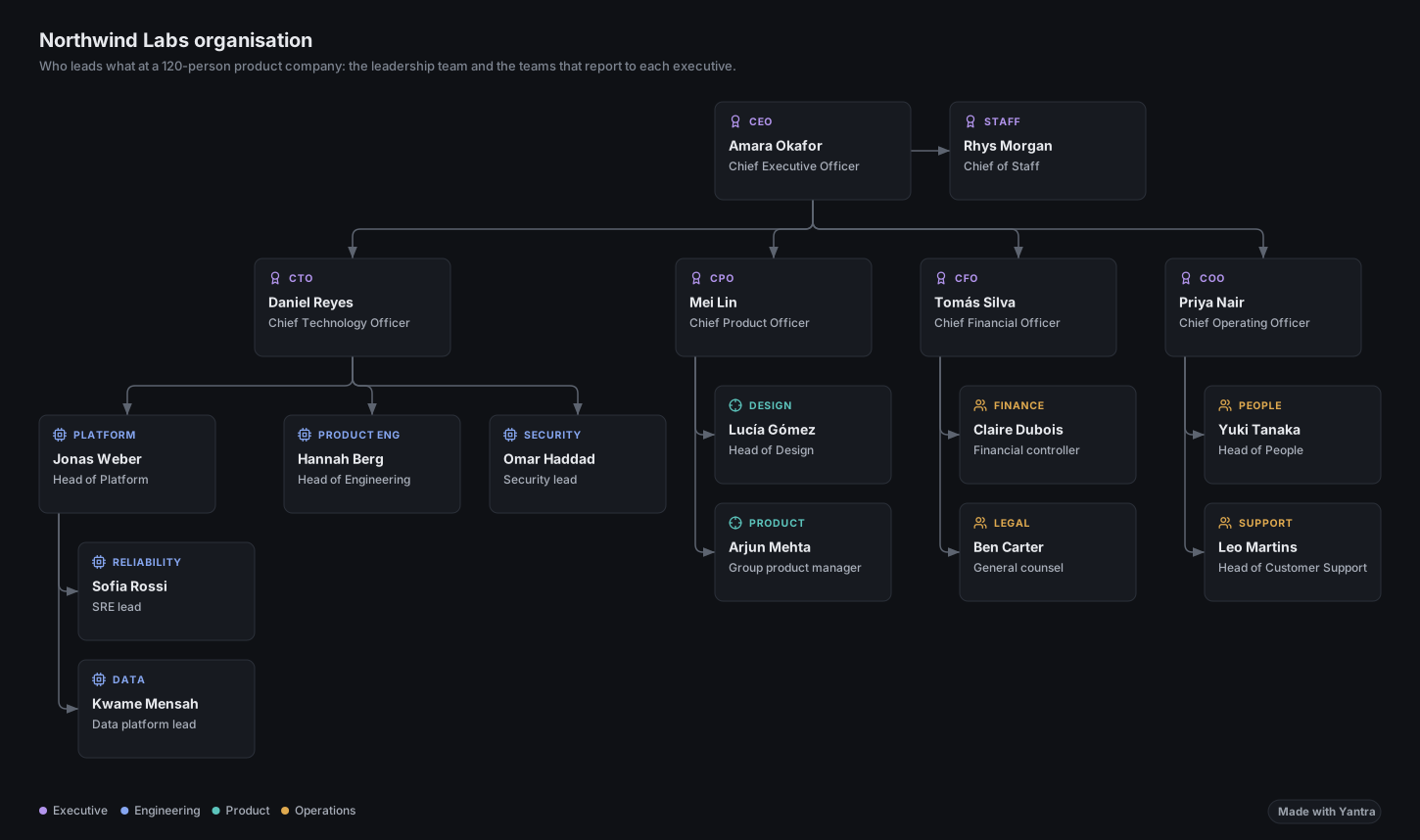 Org charts and treesTidy trees top-down or left-right; fold a branch and unfold it with +N.Open in the playground
-
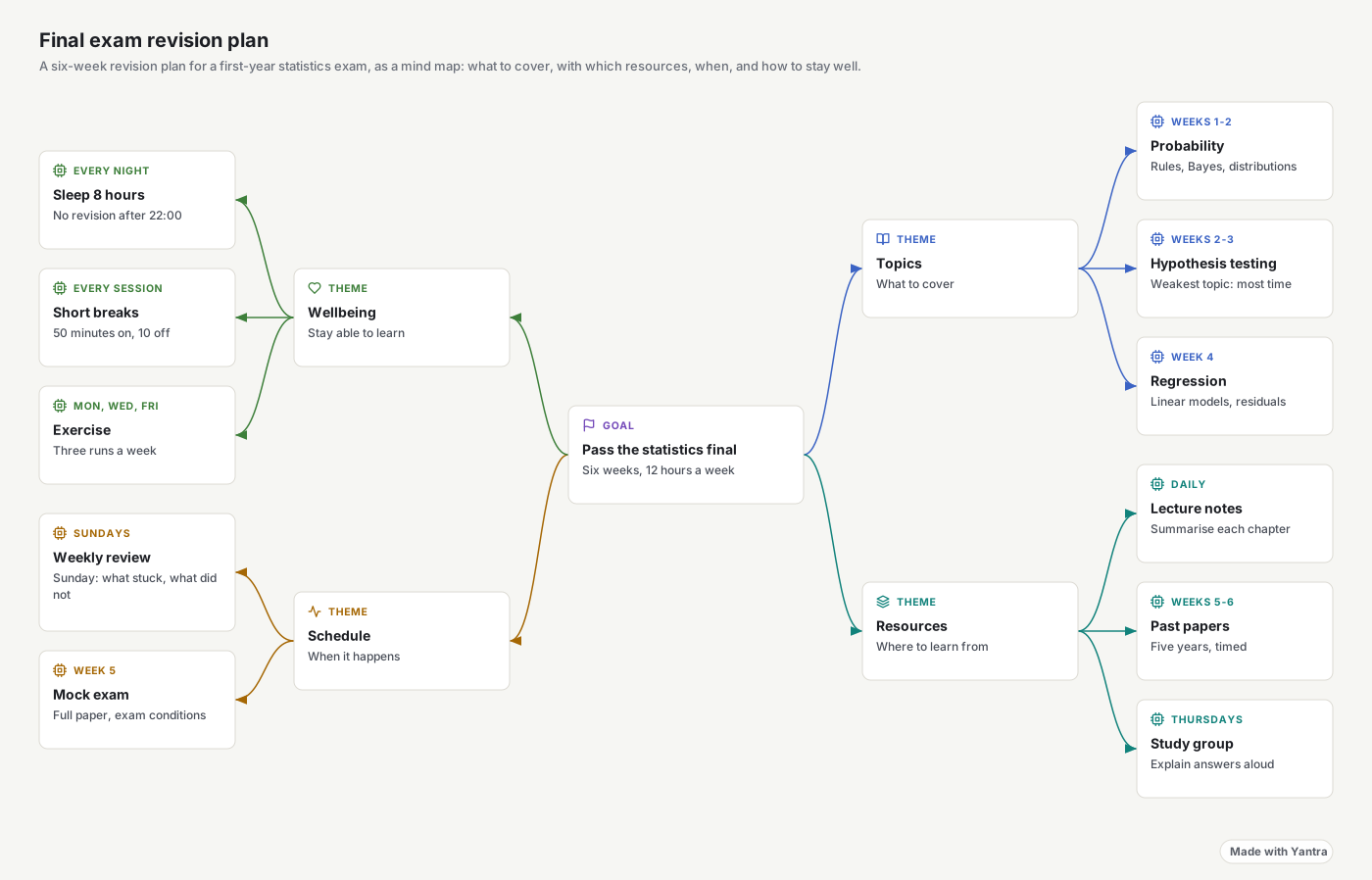
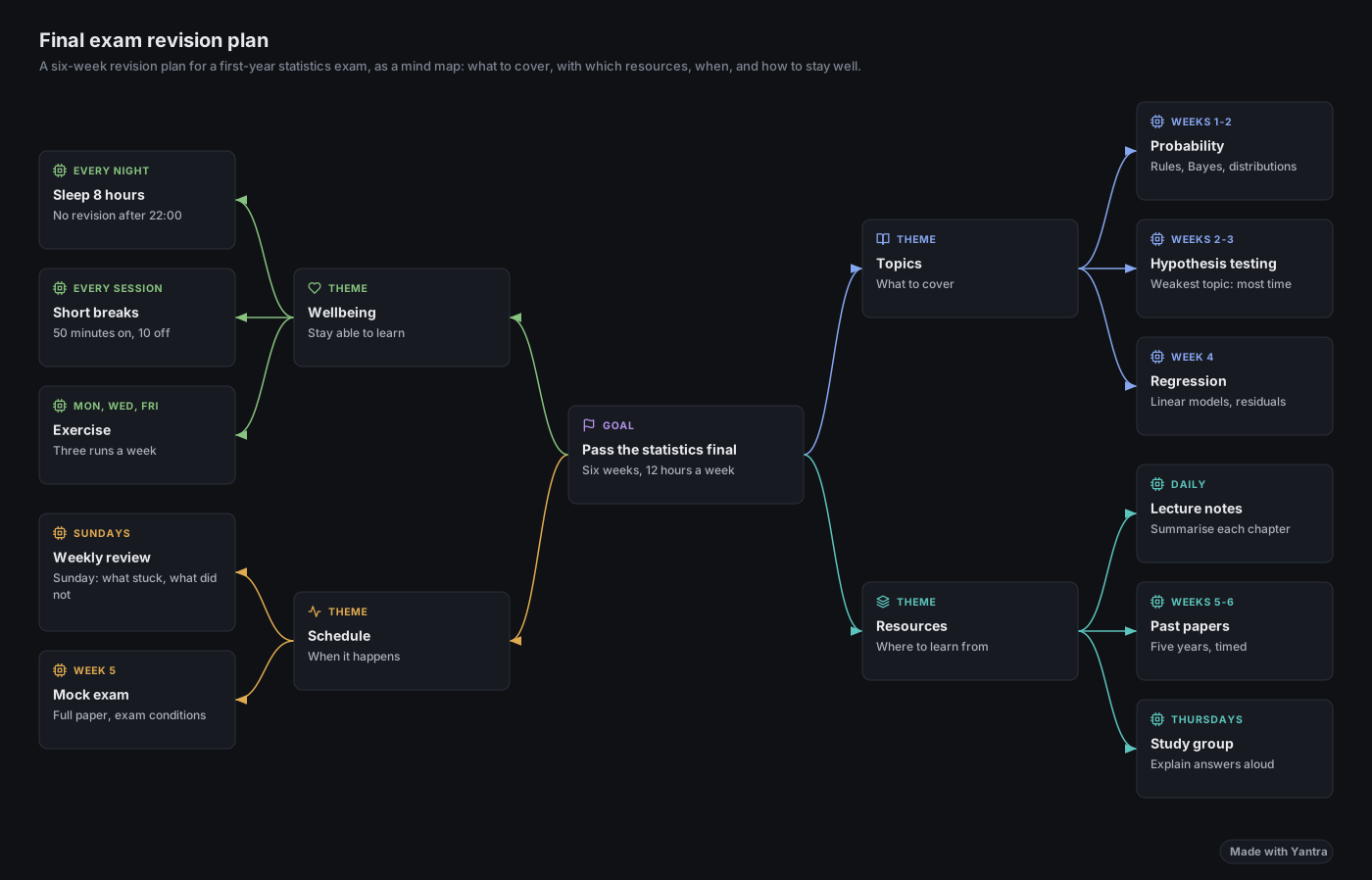 Mind mapsBalanced branches with curved connectors and a hue per branch.Open in the playground
-
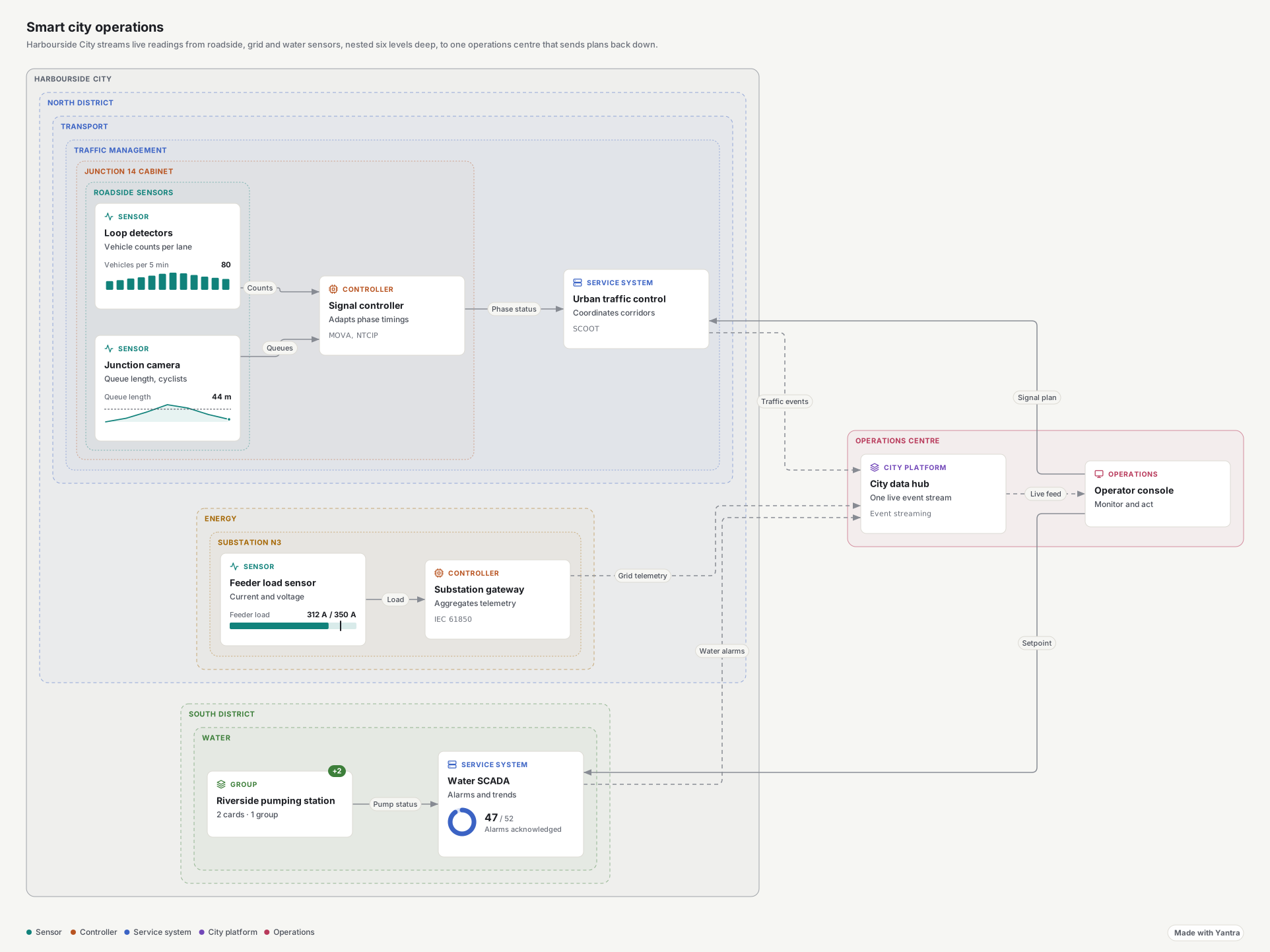
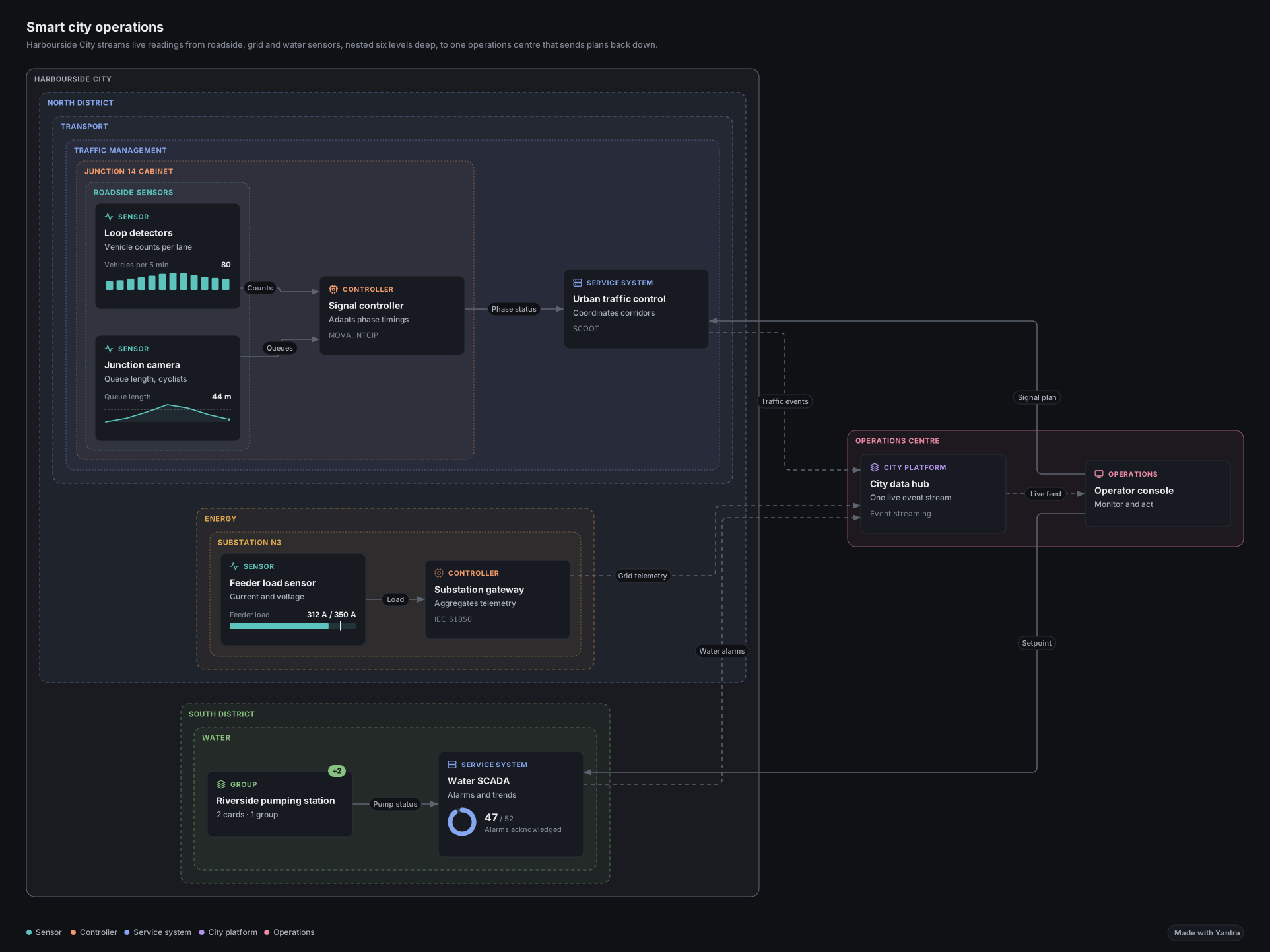 Deep nesting and drill-downSix levels of boxes, fold to a depth, zoom to a group, open detail diagrams.Open in the playground
-
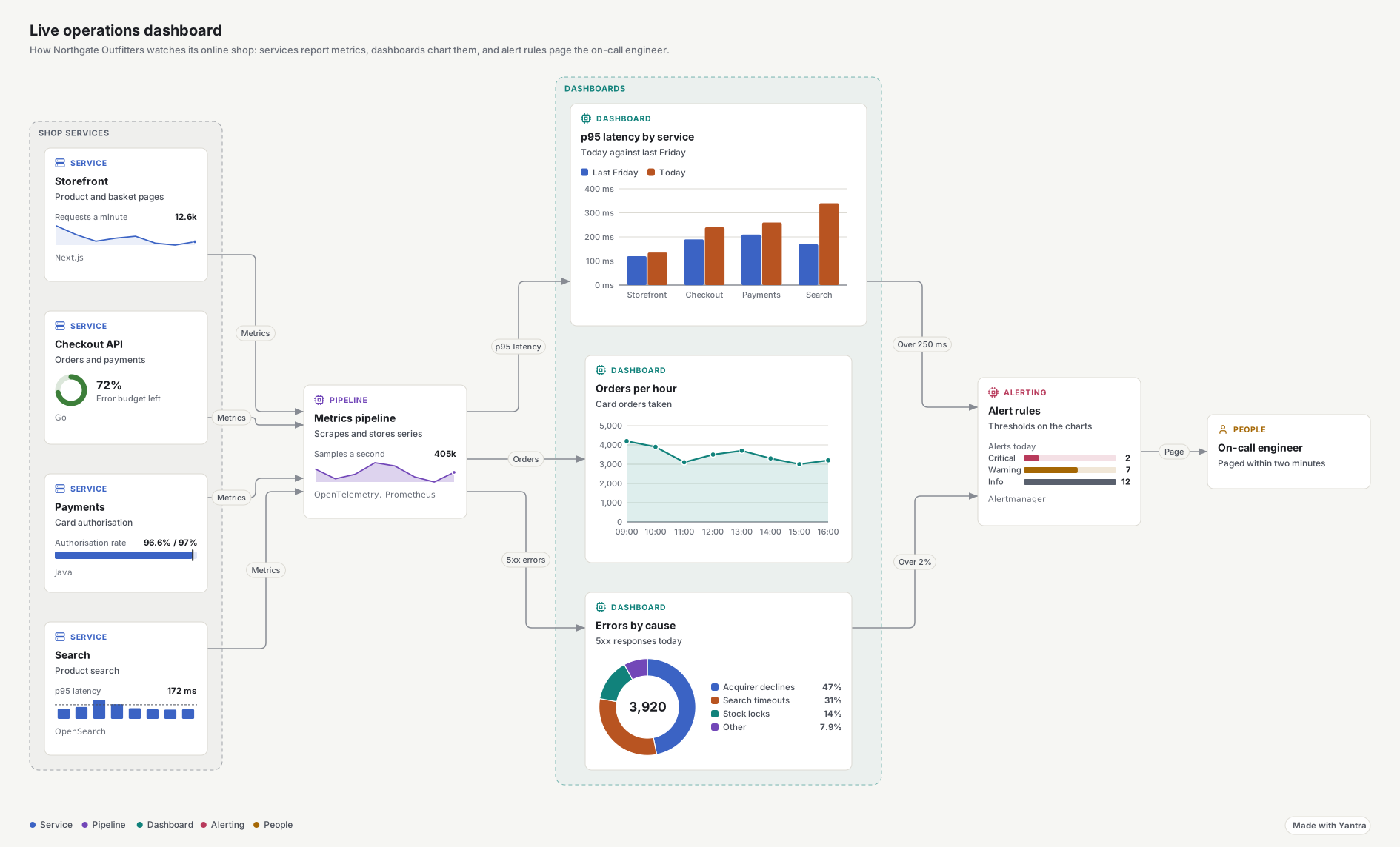
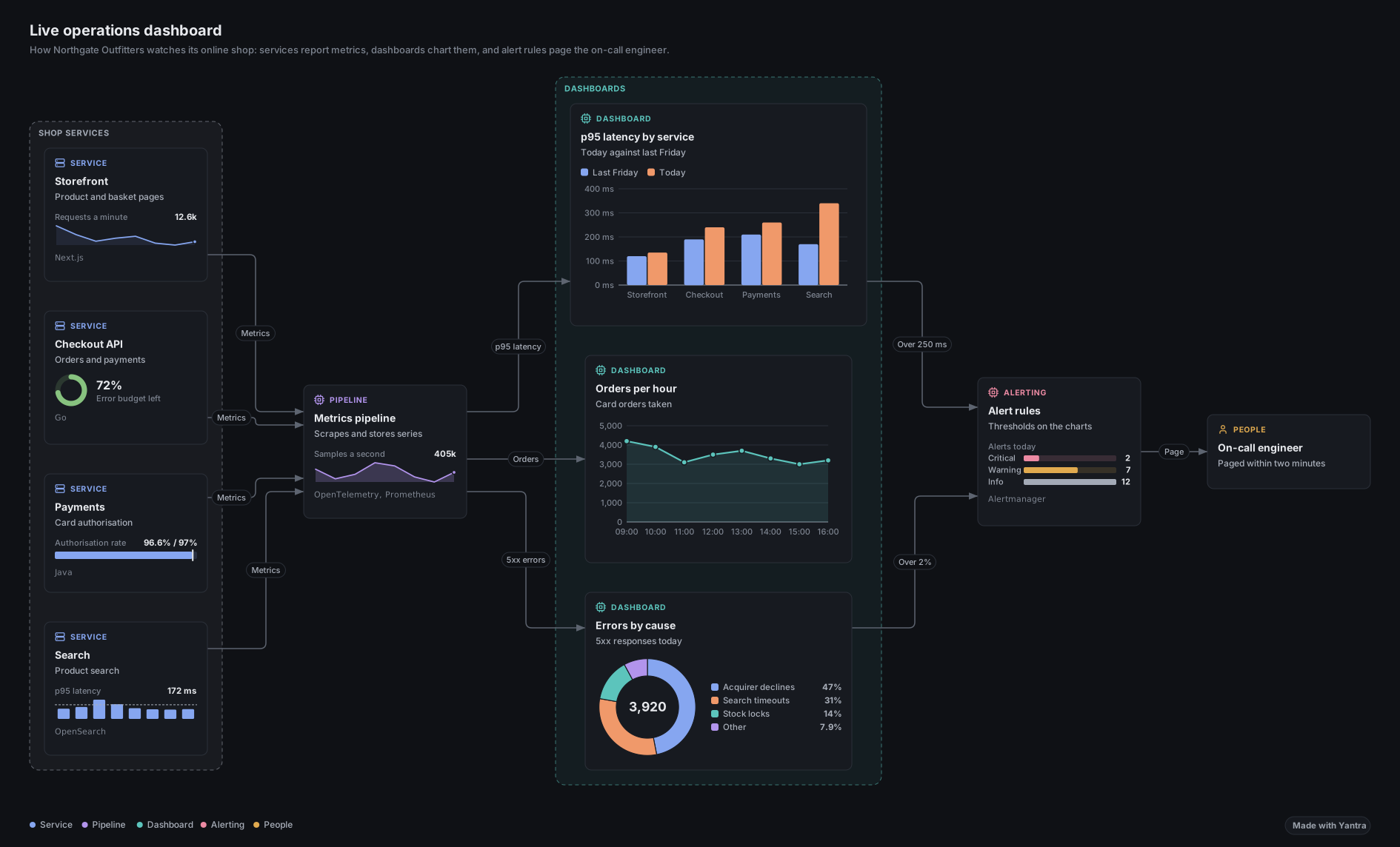 Charts in cardsA mini chart on any card, or a chart card that connects like any other.Open in the playground
-
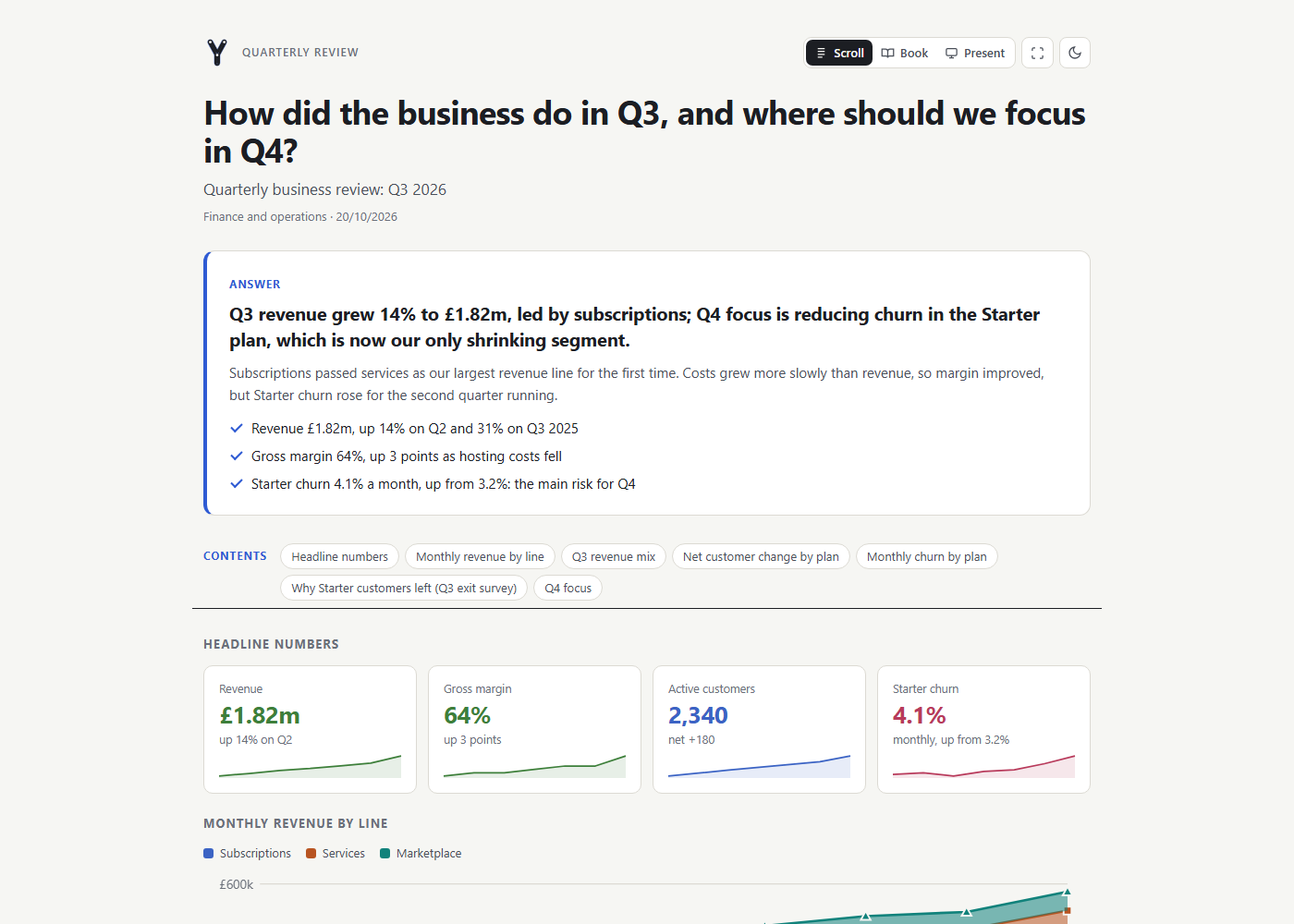 Answer pagesThe conclusion first, then points, metrics, charts, tables, gantt plans and FAQs.Open in the playground
-
Books and reading modesSeveral pages in one file, read as one page, a screen at a time like an e-reader, or as slides.Open in the playground
-
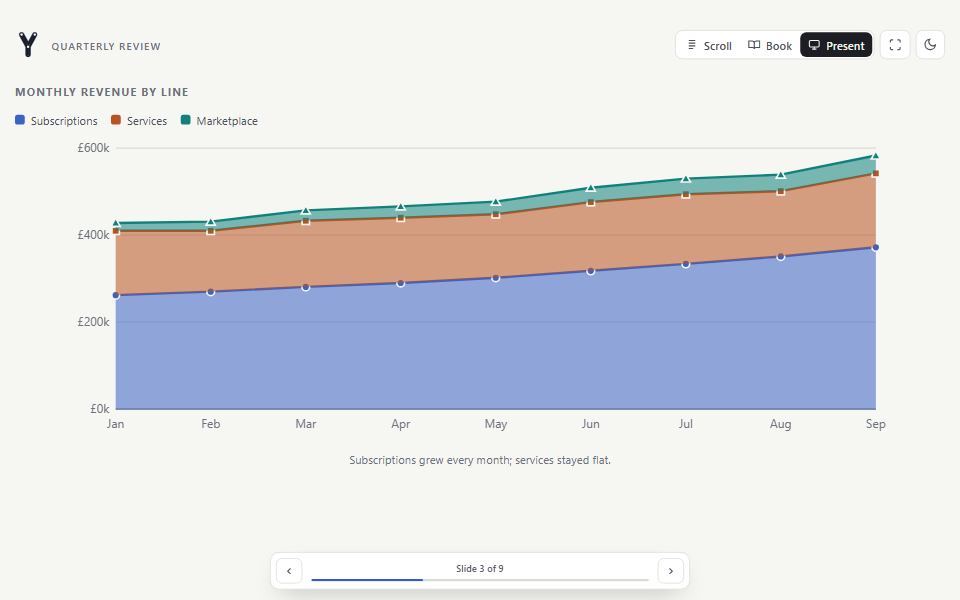 Pages as slidesPresent any page or book one row of blocks at a time, full screen, for a meeting.Open in the playground
-
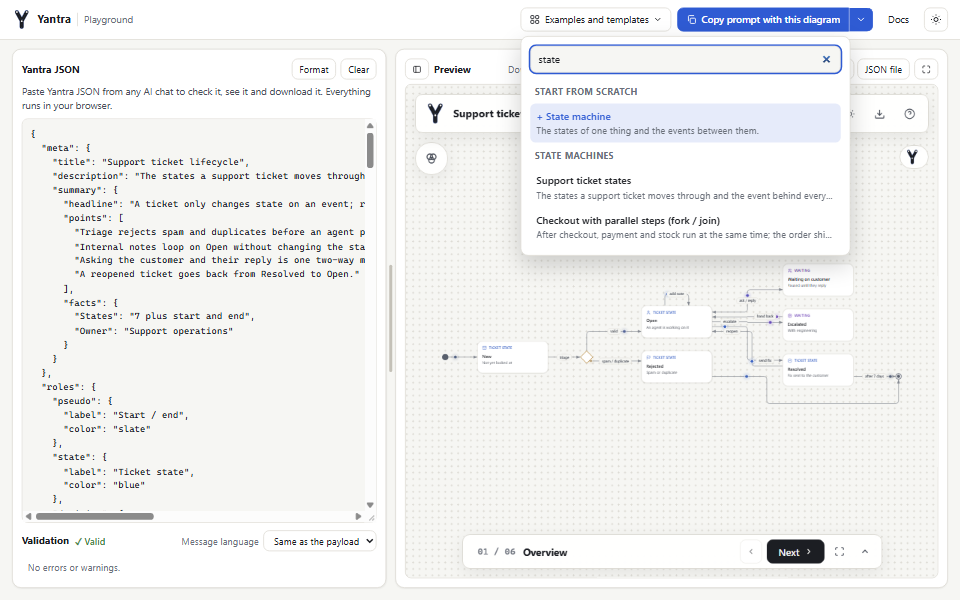 Start from a templateSearch templates and examples by kind in the playground, or describe the diagram in words.Open in the playground
Get started
Start in a minute, your way
Every route writes the same JSON and builds the same file. The CLI needs Node.js 20.19 or later; the playground needs only a browser.
Coding agent
- Set up your project. One command adds the Yantra skill, the MCP server and short rules for Claude Code, Cursor, Codex or Antigravity.
npx @niyankhadka/yantra init - Ask for an explanation. For example: "Explain how our checkout works as a Yantra diagram." The agent reads your code, writes the JSON and fixes anything the validator finds.
- Open the HTML file it builds, and step through it.
AI chat
- Open the playground and press Copy prompt for your chat.
- Paste it into Claude.ai, ChatGPT, Gemini or any chat, and ask for a diagram or an answer page.
- Paste the JSON back to check it, see it and download the file. Everything runs in your browser.
Command line
npm i -g @niyankhadka/yantra    # or run any command with npx
yantra new diagram.json         # a starter (--page, --book, --kind sequence...)
yantra validate diagram.json    # checks references, story and layout
yantra build diagram.json       # -> diagram.html
Already have diagrams? yantra import flow.mmd reads Mermaid, PlantUML, draw.io and Visio.
Python
pip install niyankhadka-yantraBuild diagrams, answer pages and books in Python with no third-party dependencies, then validate and build them through the CLI.
Python SDKExamples
56 diagrams, 13 answer pages, 7 chart pages and 5 books ship with Yantra. Open any of them in the playground, then change it. Companies and data in the examples are fictional.
- AWS serverlessGroups
- Shop platformDrill-down
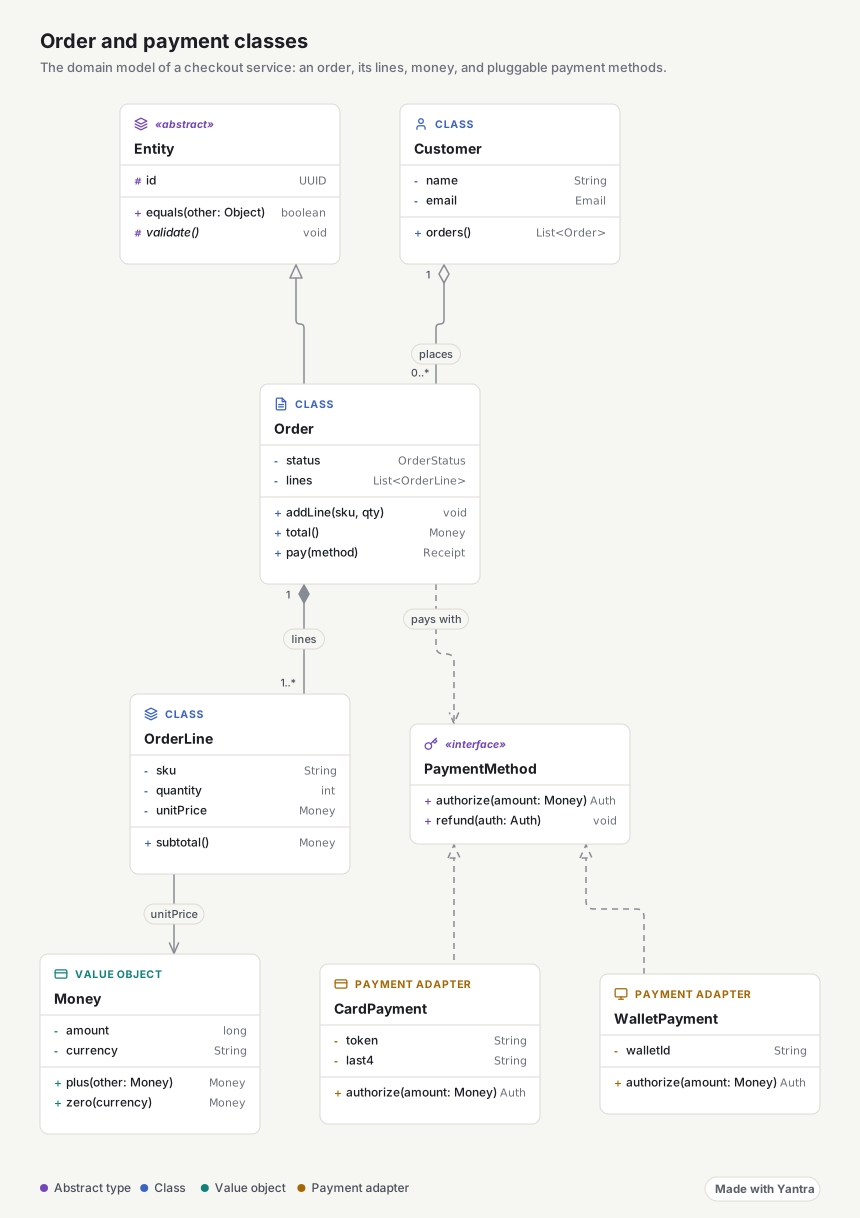
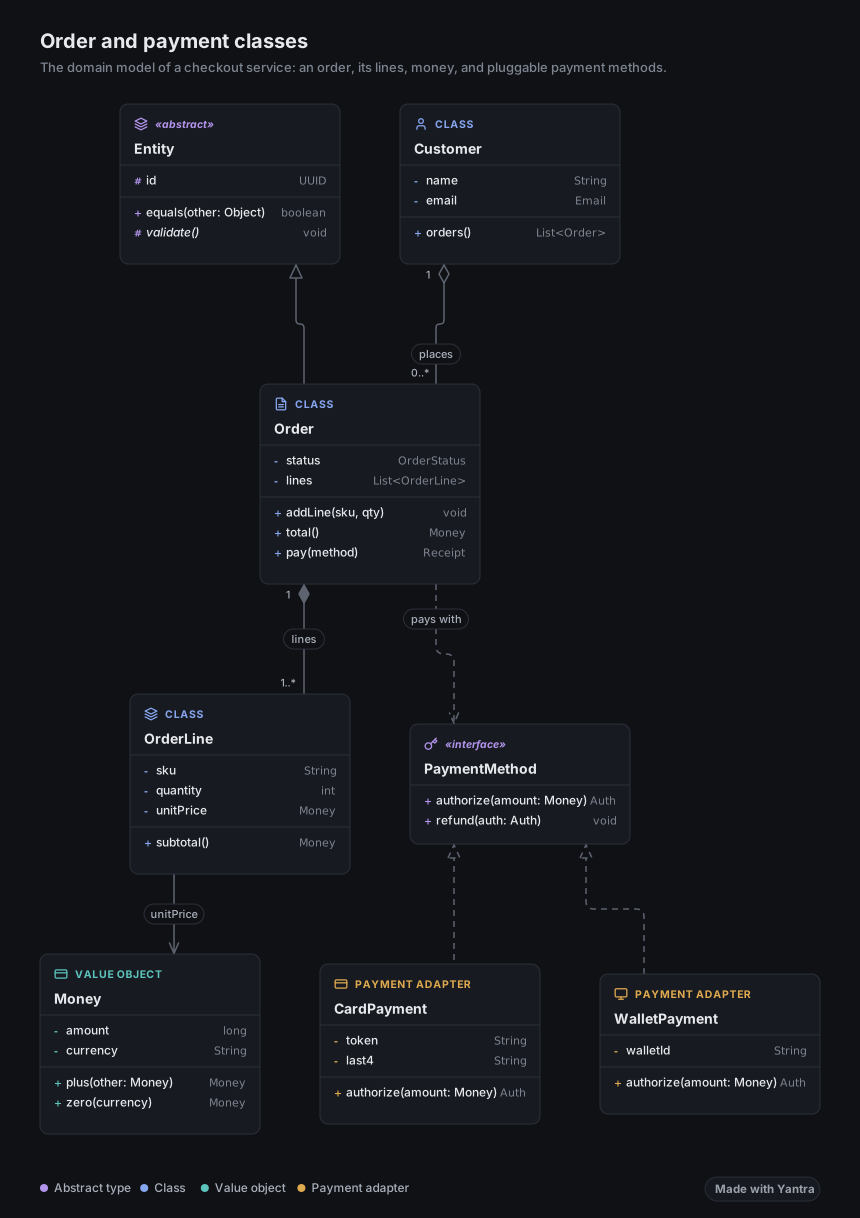 Order classesUML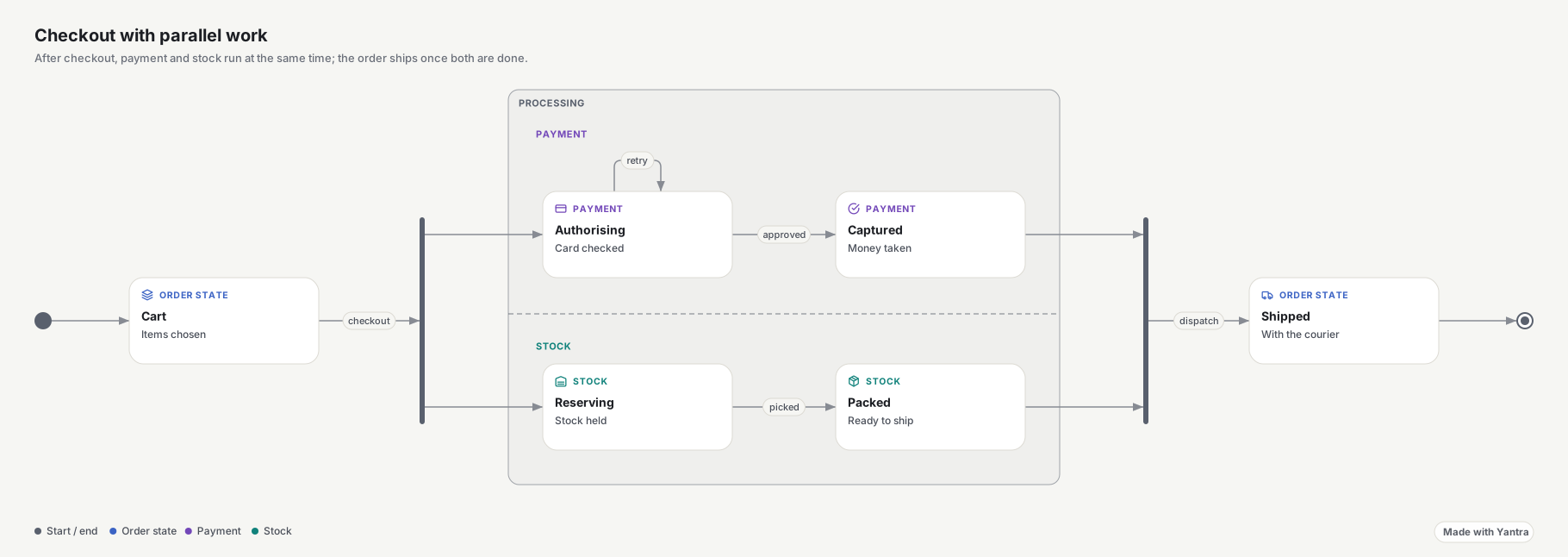
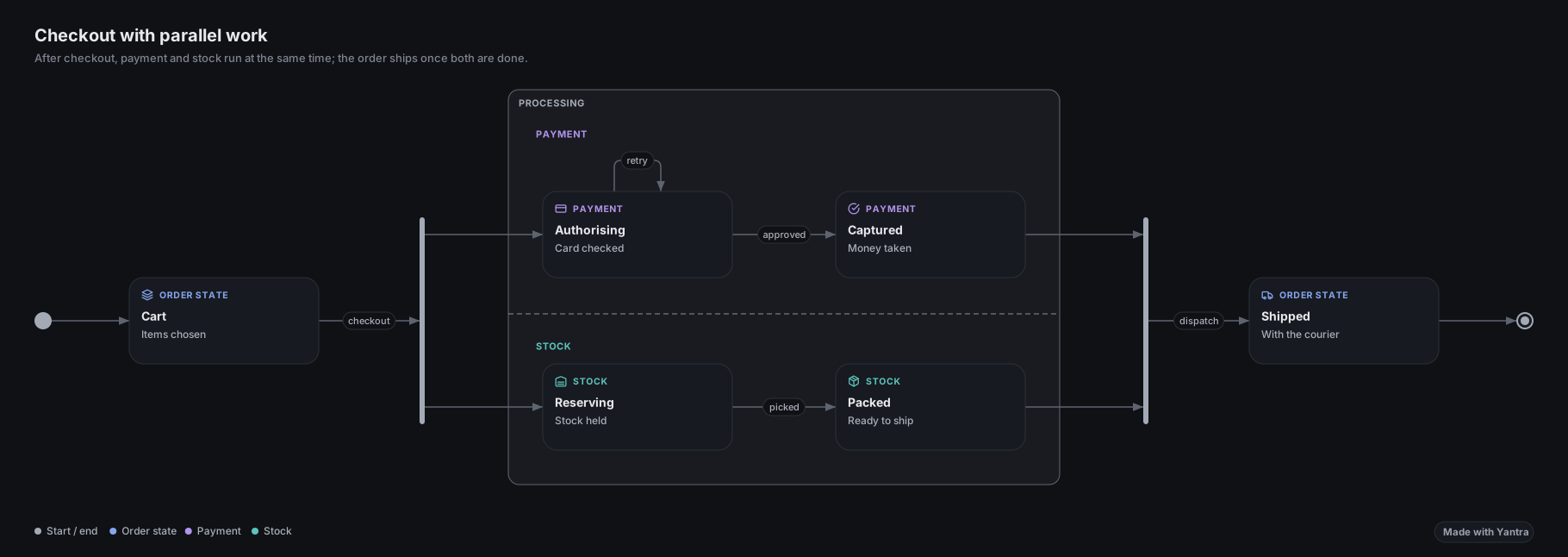 Parallel checkoutFork and join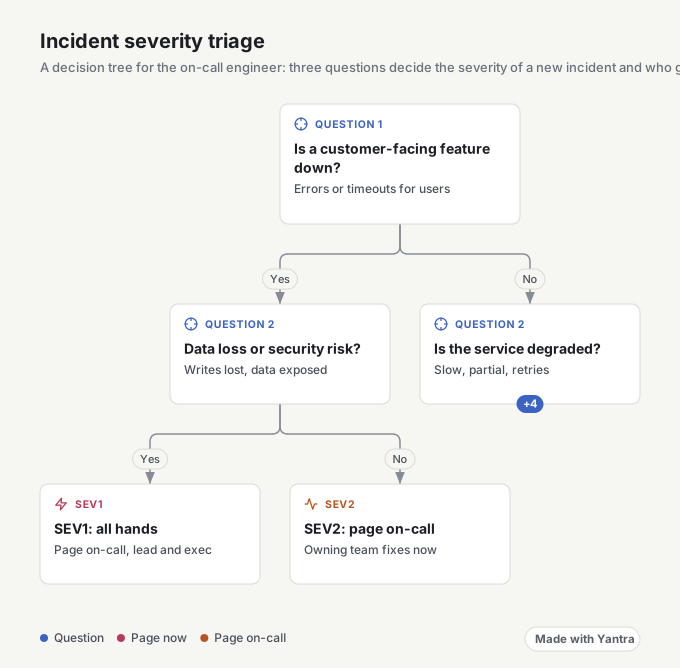
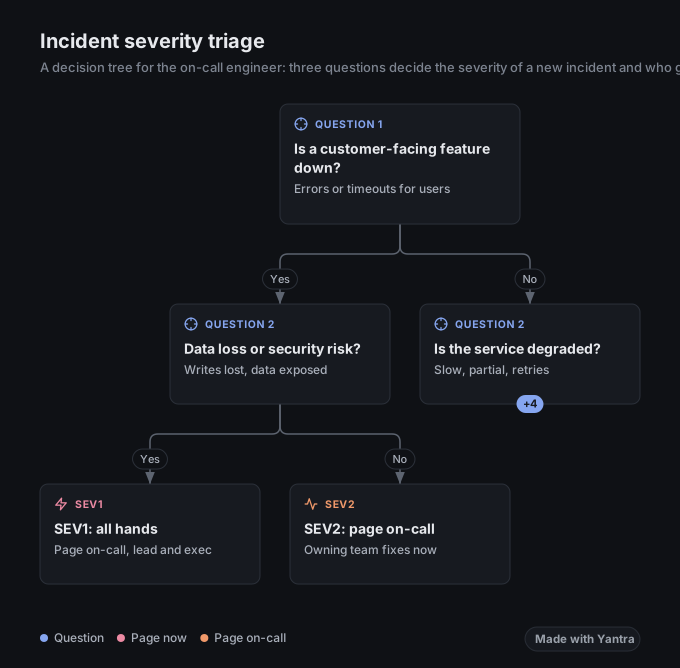 Incident triageDecision tree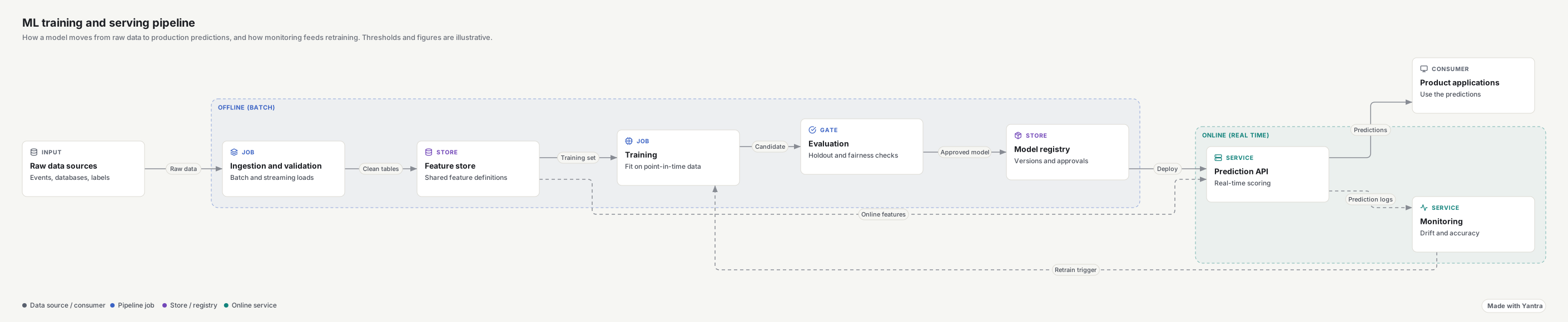
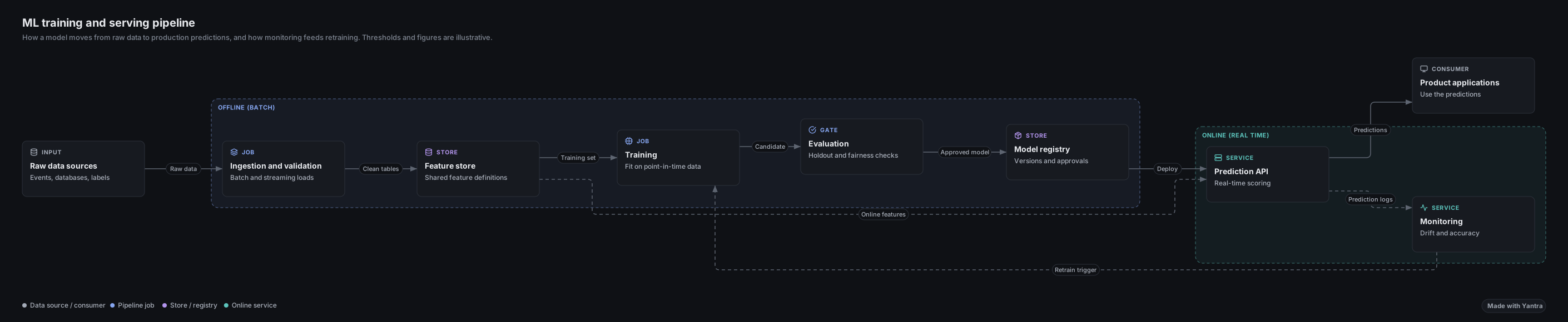 ML training pipelinePipeline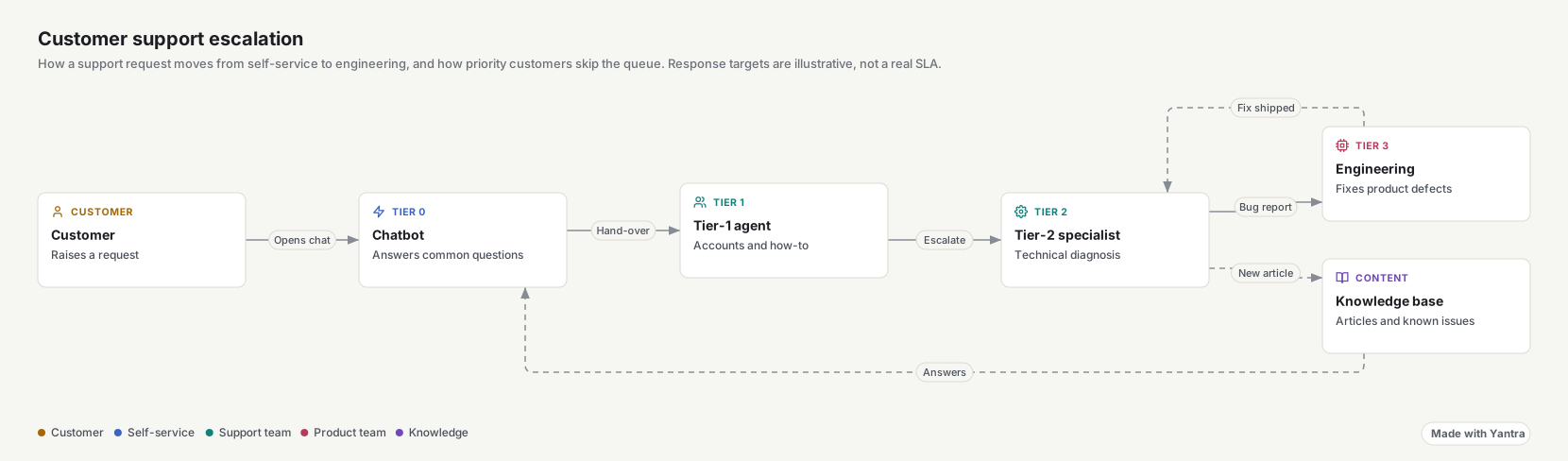
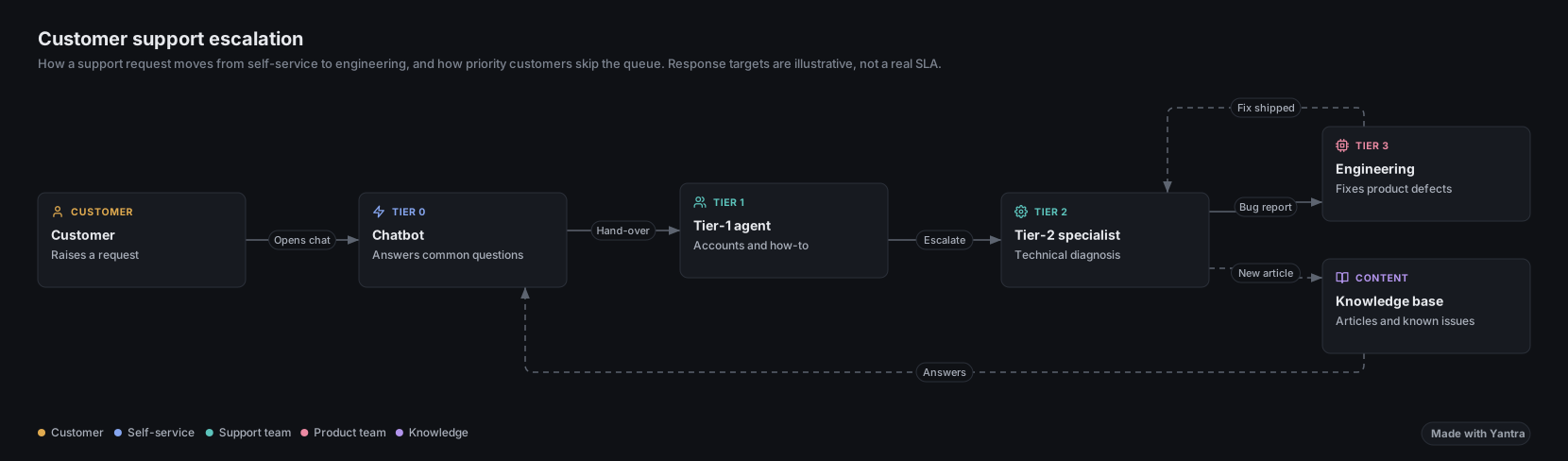 Support escalationModes
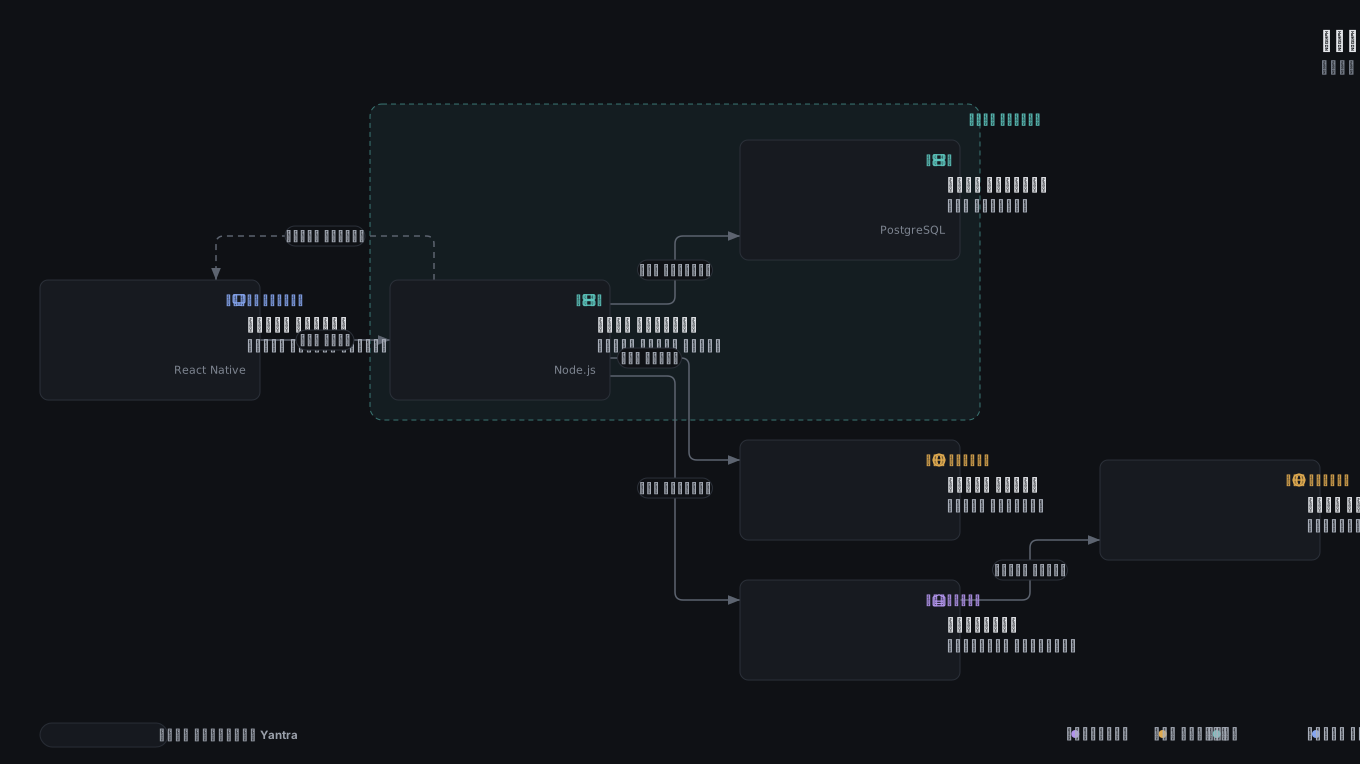 Order fulfilmentArabic, right to left
 Patient referralNepali
Answer pages and dashboards
Questions
What is Yantra?
An open-source explanation engine. You describe a system, a process or a decision in a few lines of JSON, or ask your coding agent or AI chat to. Yantra lays it out, checks it with a validator and turns it into a walkthrough readers can step through: a diagram, an answer page or a book, in one HTML file.
How is it different from Mermaid or draw.io?
In draw.io you place every box by hand. Mermaid draws from text, but you get a picture rather than a story. Yantra adds walkthrough steps, answer pages and books, and a validator that checks the rendered result: overlaps, edges through cards and label collisions. It also imports Mermaid, PlantUML, draw.io and Visio files, so you can start from what you have.
Do the files really work offline?
Yes. yantra build writes one HTML file with the viewer, its styles and your data inlined. It makes no network requests, so it opens from an email attachment, a ticket or a USB stick. The playground also keeps working offline once it has loaded.
What does it cost, and what is the licence?
Nothing. Yantra is open source under the MIT licence, so you can use it at work and in commercial projects. The Yantra name and logo are covered by the trademark policy. If it helps you, you can sponsor the project.
Where does my data go?
Nowhere. The CLI, the MCP server and the Python SDK run on your machine. The playground validates and renders in your browser and uploads nothing. Built files make no external requests. This website loads no analytics or third-party scripts; it only remembers your colour theme in your browser.
Which Node.js version do I need?
Node.js 20.19 or later, or 22.12 or later on Node 22. The Python SDK needs Python 3.9 or later and calls the CLI to validate and build, so Node.js is still needed for those steps. The playground needs only a browser.
Do I need an AI tool?
No. You can write the JSON by hand, generate it from a script or the Python SDK, or import a Mermaid, PlantUML, draw.io or Visio file. Coding agents and AI chats are a convenient way to write it, not a requirement.
Can I bring my existing diagrams?
yantra import reads Mermaid, PlantUML, draw.io / diagrams.net (including PNG exports with the diagram embedded) and Visio .vsdx, then validates the result. The importers are best effort and print warnings for anything they skip. See the import guide.
Which languages does the viewer speak?
18 interface languages, with right-to-left layout for Arabic, Hebrew, Persian and Urdu and locale number formats. Set meta.lang on a diagram or page.
Don't draw it. Explain it.
Describe your next system, process or decision, and let readers step through it.